

目次
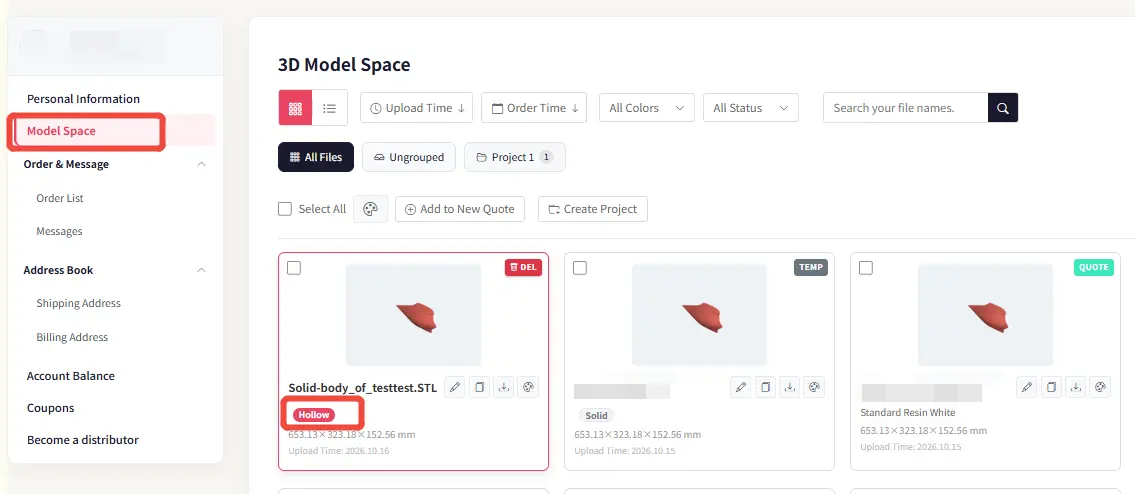
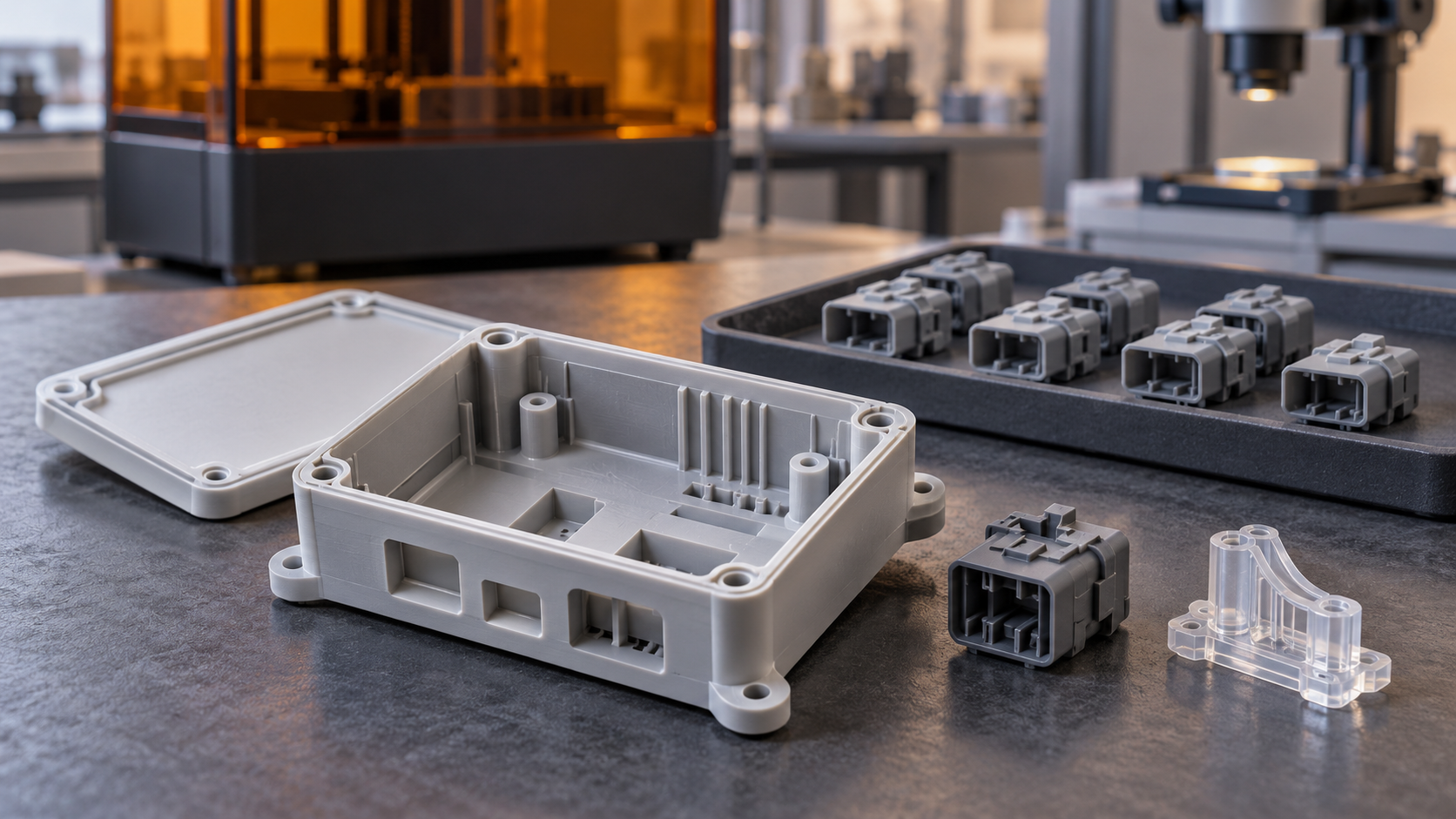
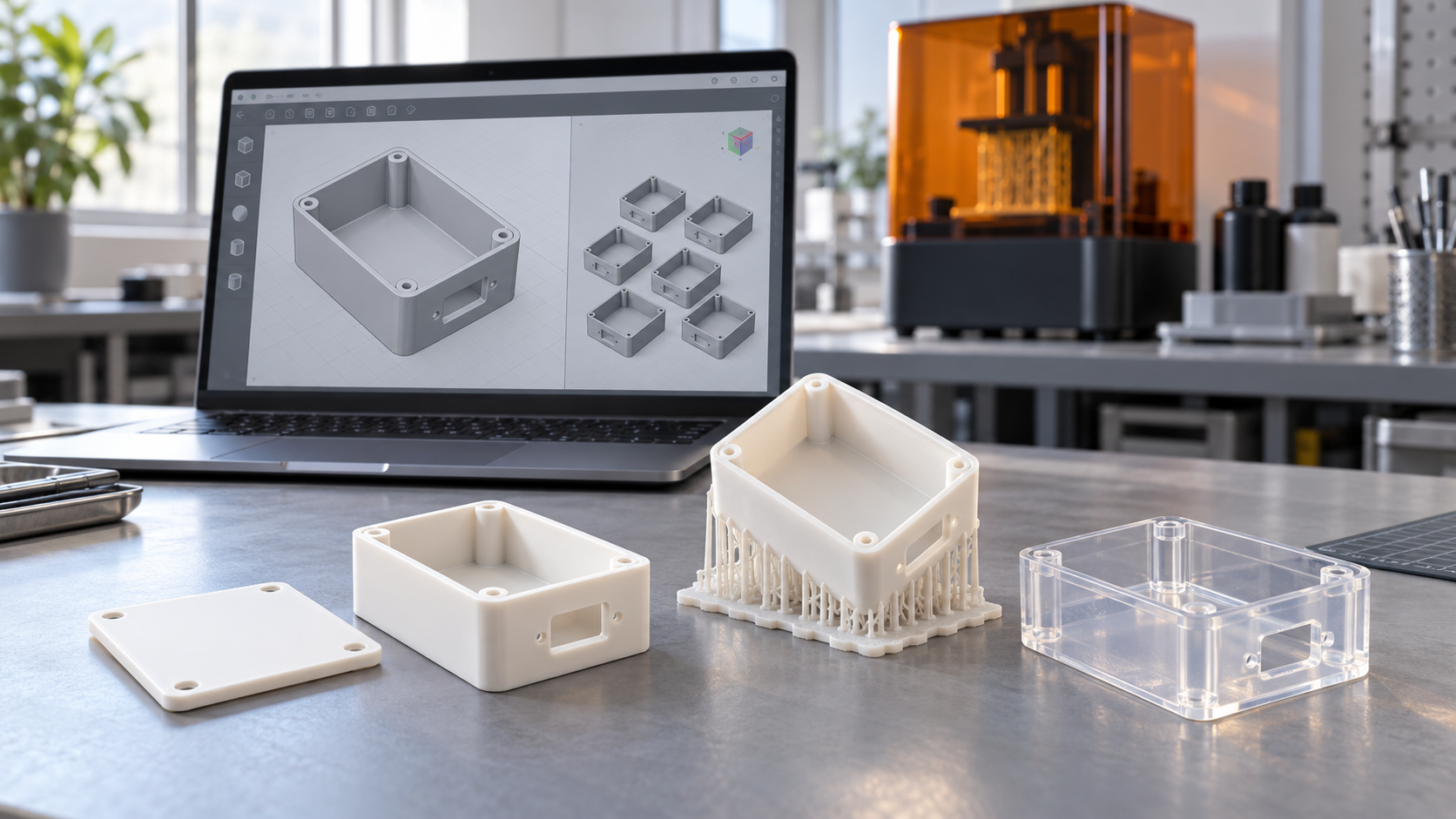
AIHFABS has introduced a new Hollow button on the material page for solid resin parts. This update allows customers to choose hollowing directly during material selection, helping reduce manufacturing costs while maintaining the original external appearance.
How It Works
1. Select the Hollow Option
When configuring a resin part, click the Hollow button on the material page.
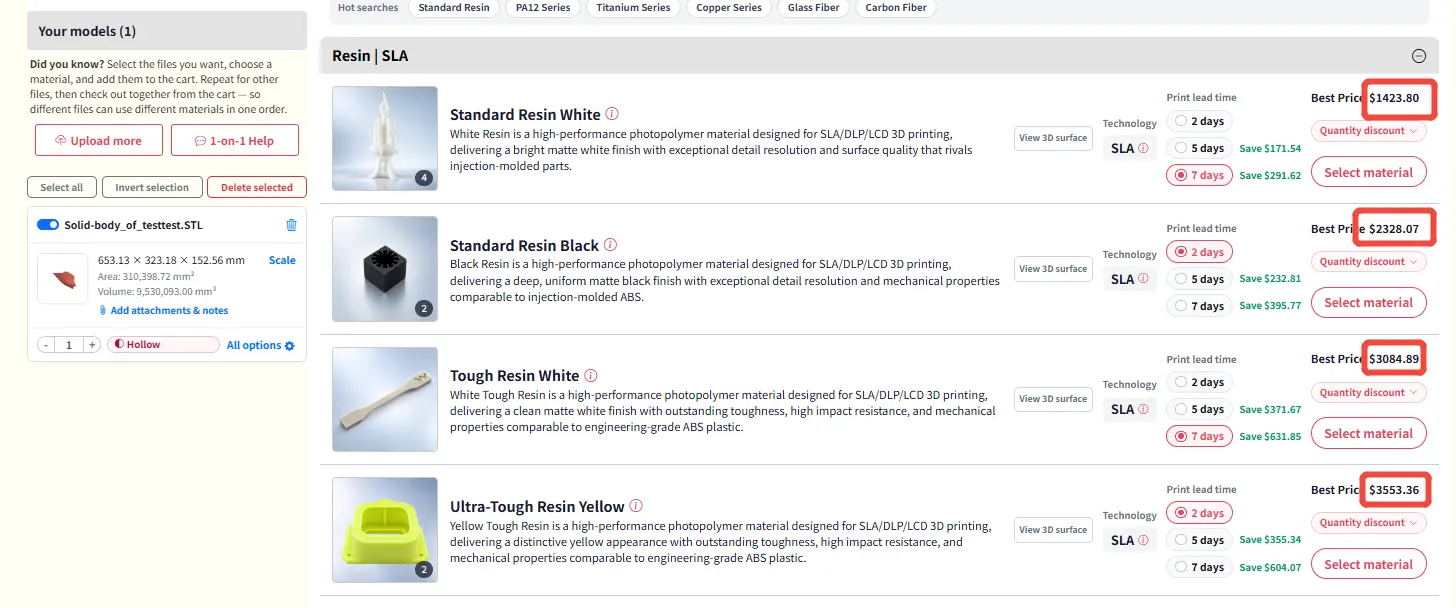
2. View the Estimated Hollowing Price
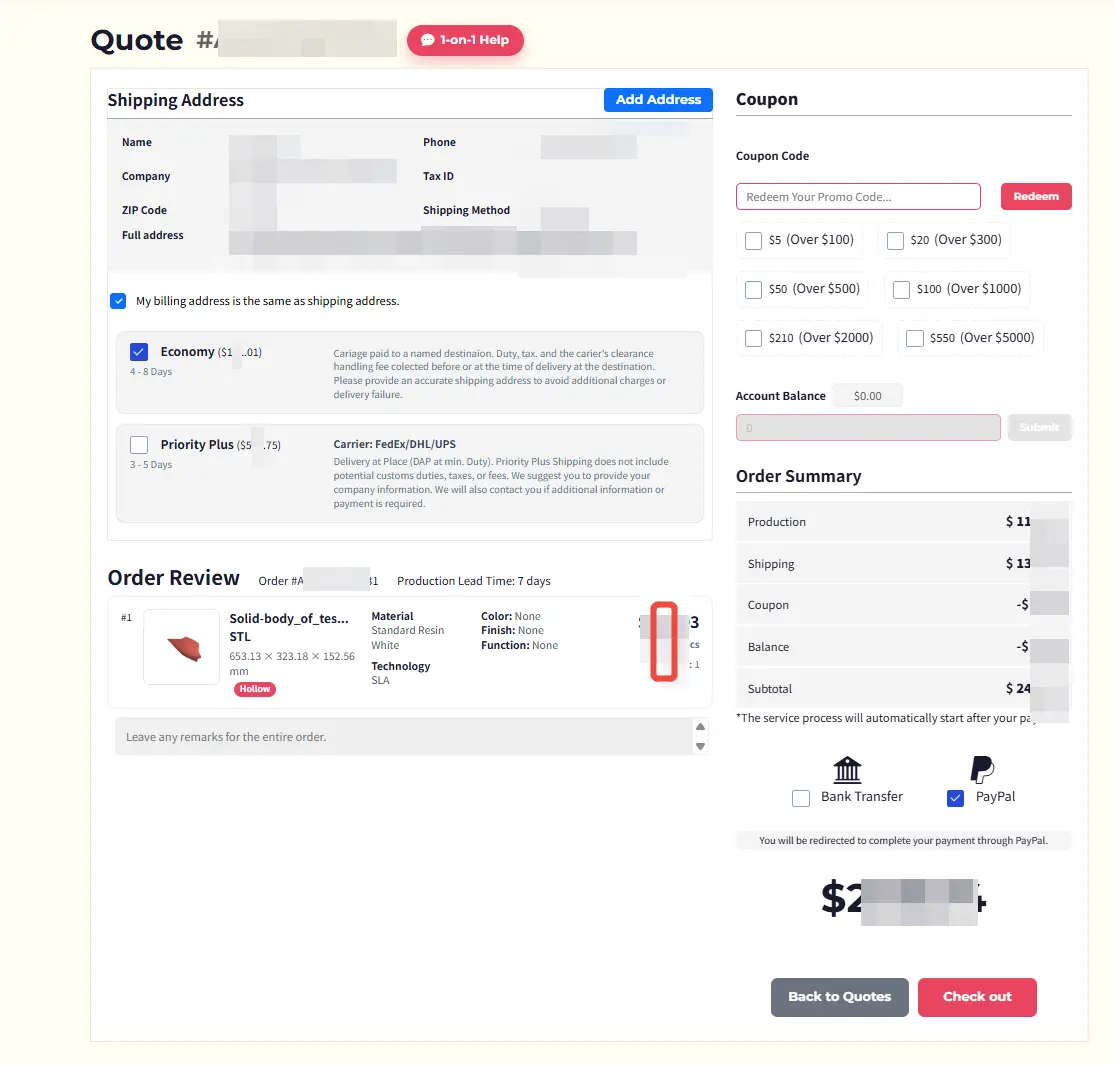
The system will display an estimated price based on the part’s outer surface area and an approximate wall thickness of 2.5 mm.
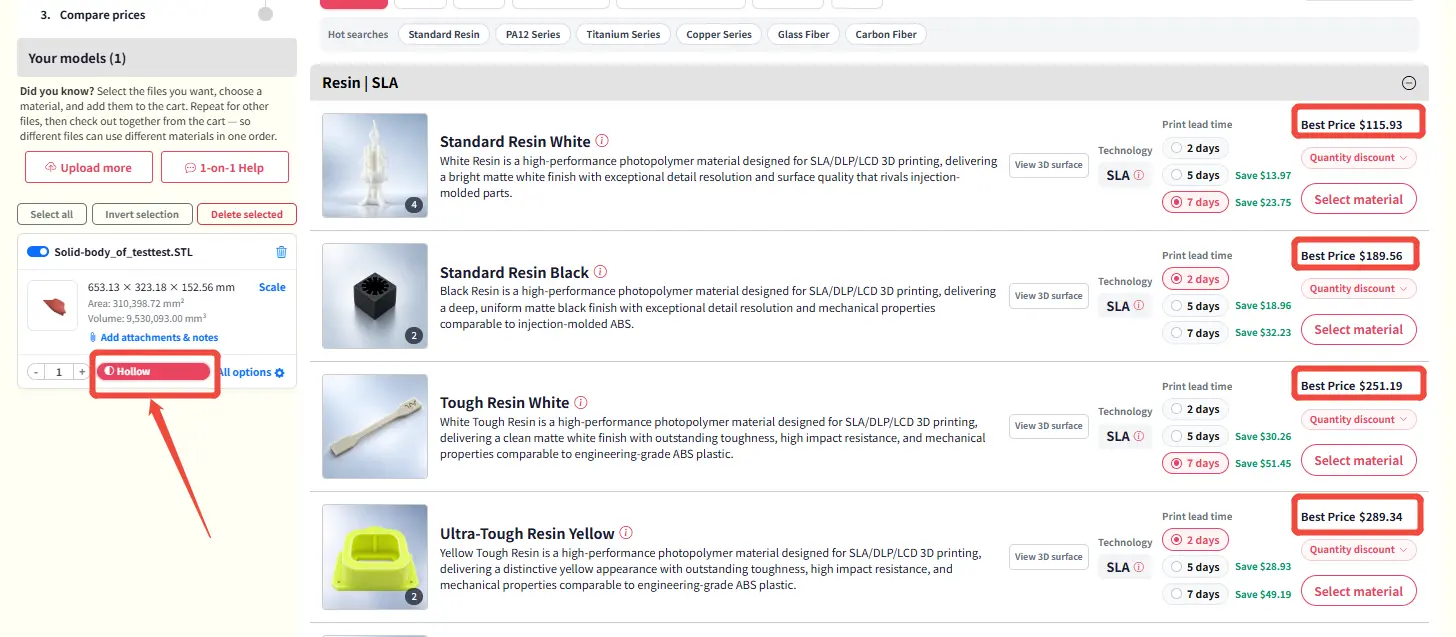
3. Place the Order Directly
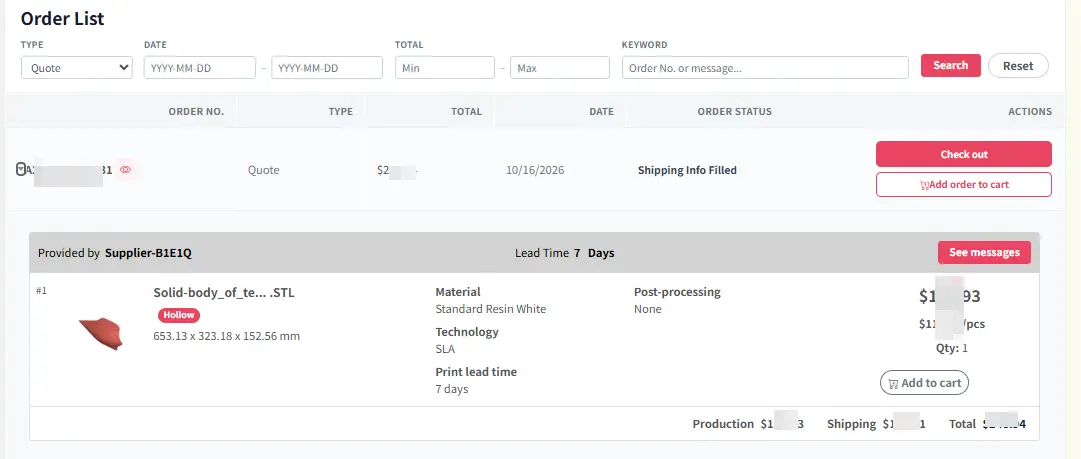
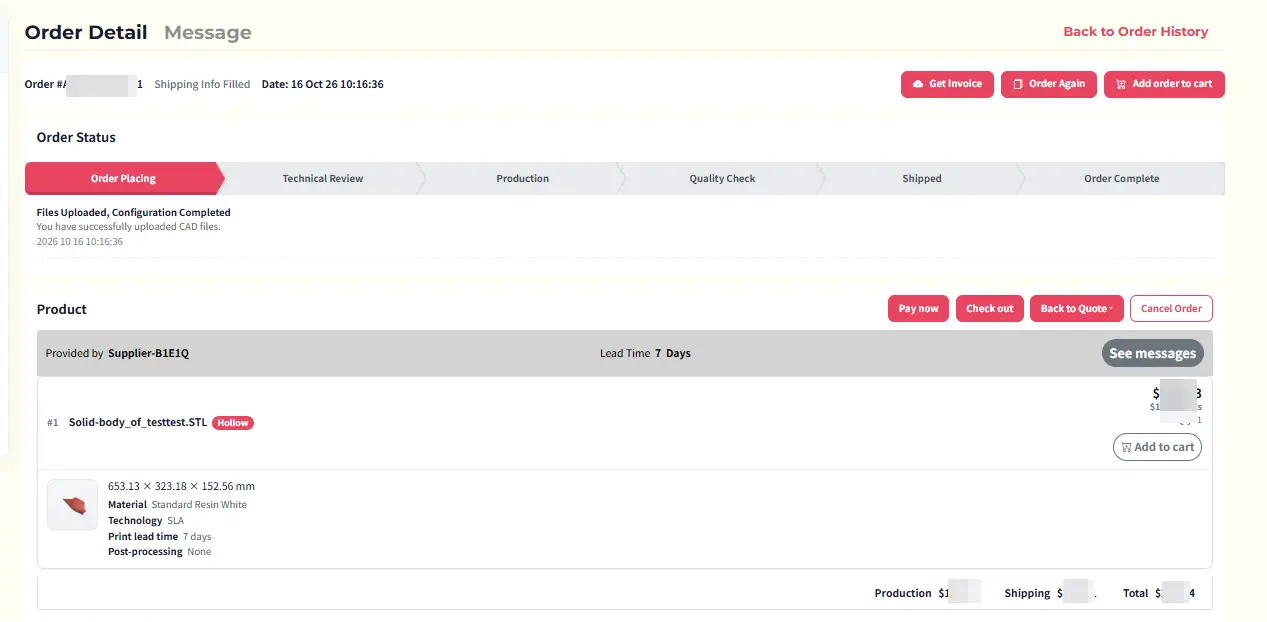
If the estimated hollowing price is acceptable, you can place the order directly without re-uploading the file. Selecting the Hollow option means you agree to use hollowing technology for production.
4. Optional File Update
If you have specific hollowing requirements, you may still upload a pre-hollowed 3D file. Otherwise, AIHFABS will apply hollowing based on standard settings.
Important Notes
· The hollowing price shown is an estimate. The final price will be confirmed based on the uploaded file and production review.
· This option is currently available for resin materials only, as resin is ideal for appearance parts where hollowing effectively reduces material cost without affecting surface quality.
· If you have special requirements for wall thickness or internal structure, please contact the AIHFABS team before placing the order.
This feature gives customers a simpler and more cost-effective way to produce resin appearance parts, with no extra steps required for standard hollowing requests.



コメント