
3D列印
光固化成型 (SLA)
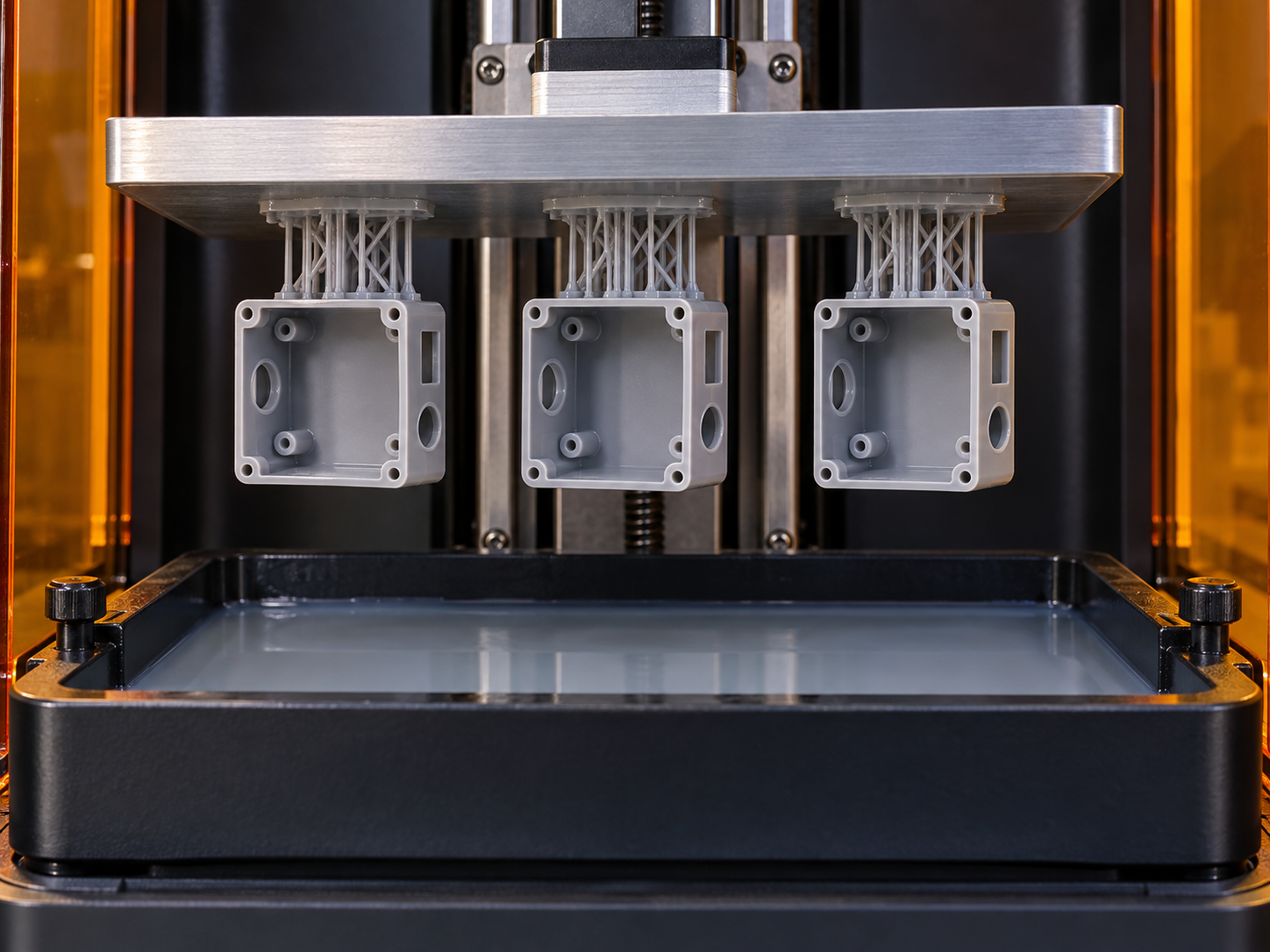
Stereolithography (SLA) cures liquid photopolymer with a precision UV laser, building parts layer by layer.
建立報價
October 8, 2026
We are pleased to announce the release of a powerful new feature on our Material Page: an interactive 3D surface visualization tool that brings material surface effects to life in immersive three-dimensional graphics.
— — —
Overview
The Material Page has been enhanced with a built-in 3D surface viewer. This new capability allows users to explore the surface topology, texture, and finish of any selected material in a fully interactive three-dimensional environment. By transforming traditional flat previews into rotatable 3D models, the feature provides unprecedented insight into material properties that were previously difficult to assess from 2D images alone.
How to Access the 3D Viewer
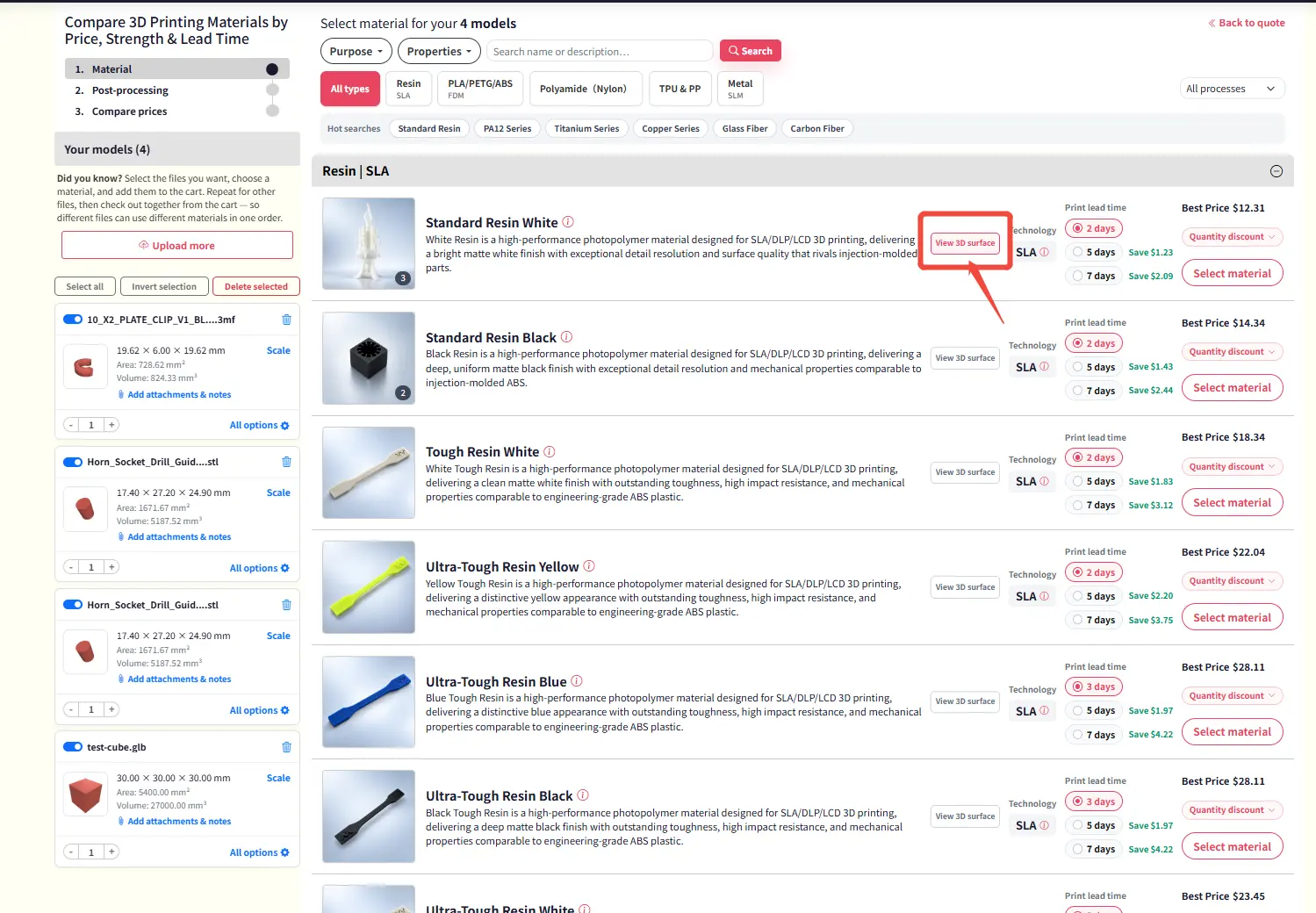
Getting started is straightforward. Simply navigate to the Material Page from the main dashboard, select the material you wish to examine, and click the newly added "View 3D Surface" button located in the material preview panel. The 3D viewer will launch instantly, displaying a high-fidelity three-dimensional representation of the material's surface.
Once inside the viewer, users can rotate the model using mouse drag, zoom in and out with the scroll wheel, and pan across the surface to inspect fine details from any angle. The interface is designed to be intuitive and responsive, requiring no additional training or setup.
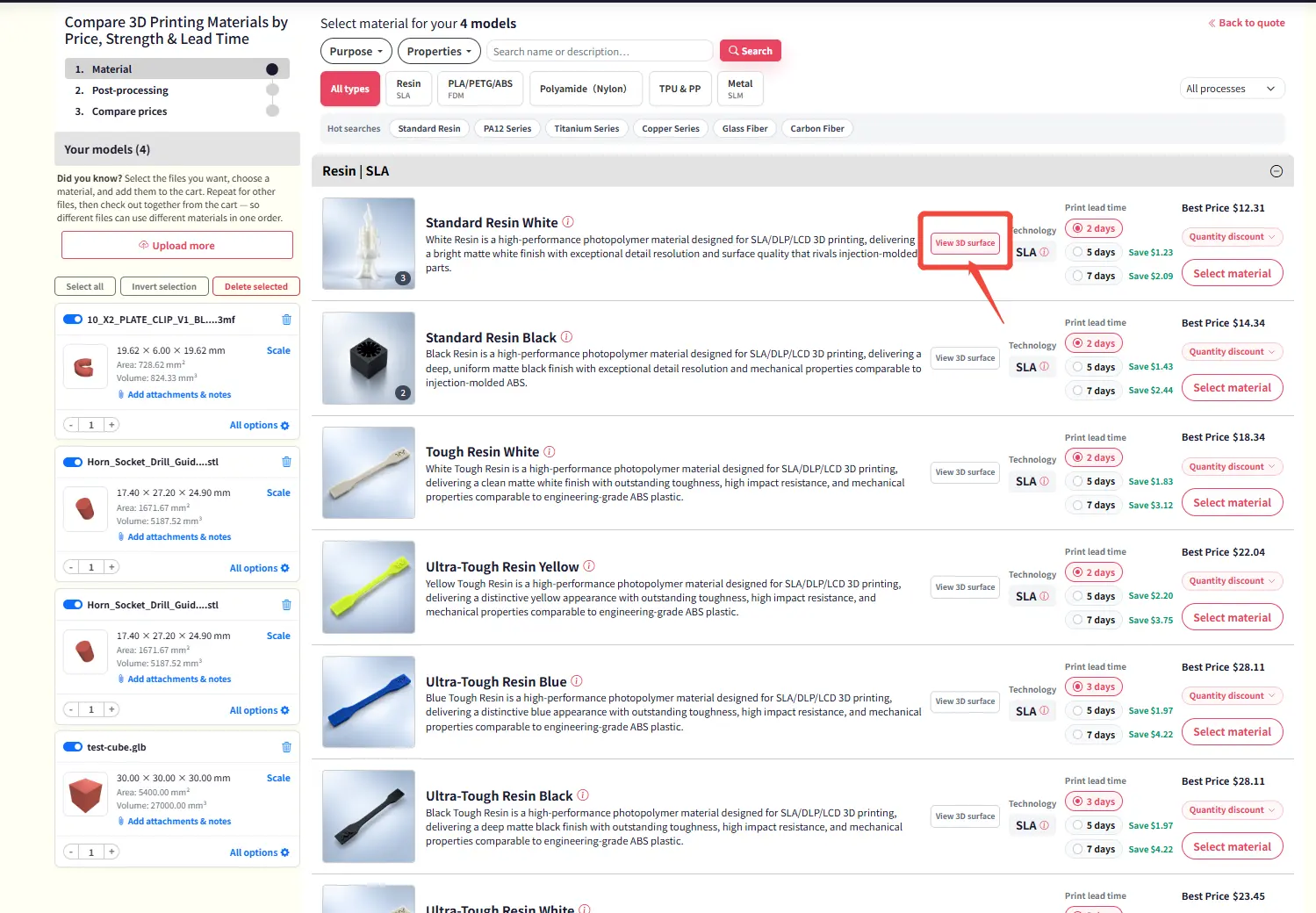
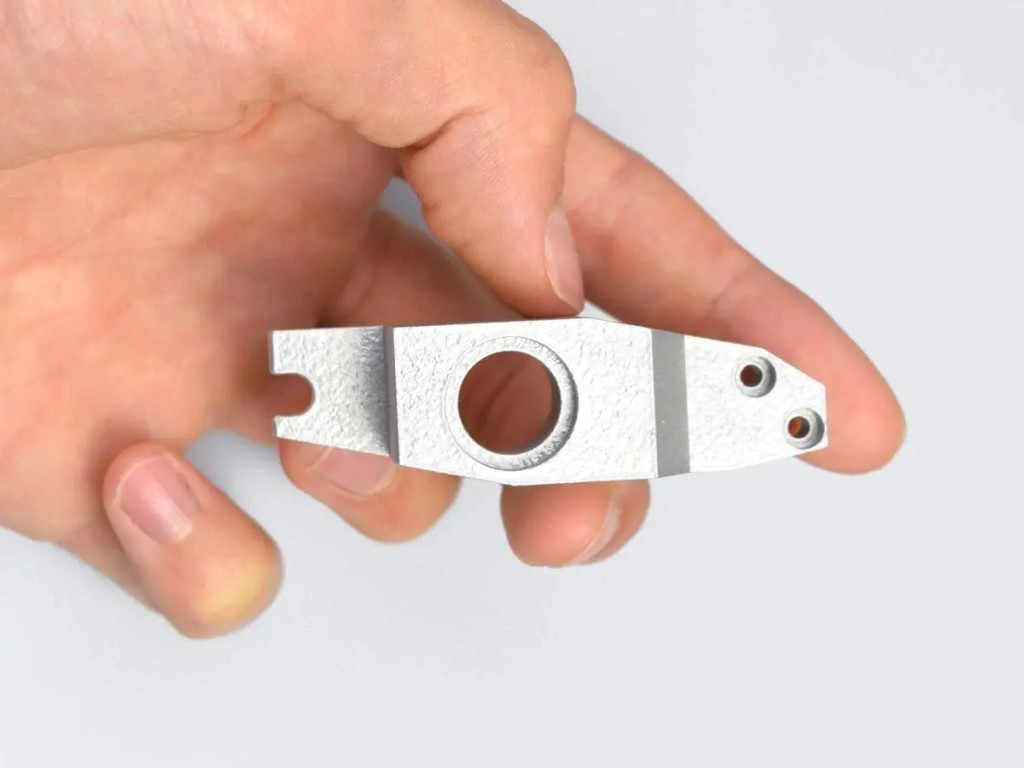
Figure 1: Material Page with the new "View 3D Surface" button highlighted
Key Benefits
This feature delivers several tangible advantages for design teams, engineers, and procurement professionals:
Improved Material Evaluation
Designers can now assess surface qualities — such as gloss level, grain pattern, and texture depth — in a realistic 3D context. This leads to more confident material selections and reduces reliance on physical sample kits.
Faster Decision-Making
With the ability to instantly visualize surface effects in three dimensions, review cycles are significantly shortened. Teams report up to a 40% reduction in material approval time, accelerating project timelines from concept to production.
Enhanced Collaboration
The 3D viewer supports easy sharing of material views with stakeholders. Team members can review the same 3D model simultaneously, discuss surface details in real time, and reach consensus more efficiently — all without leaving the Material Page.
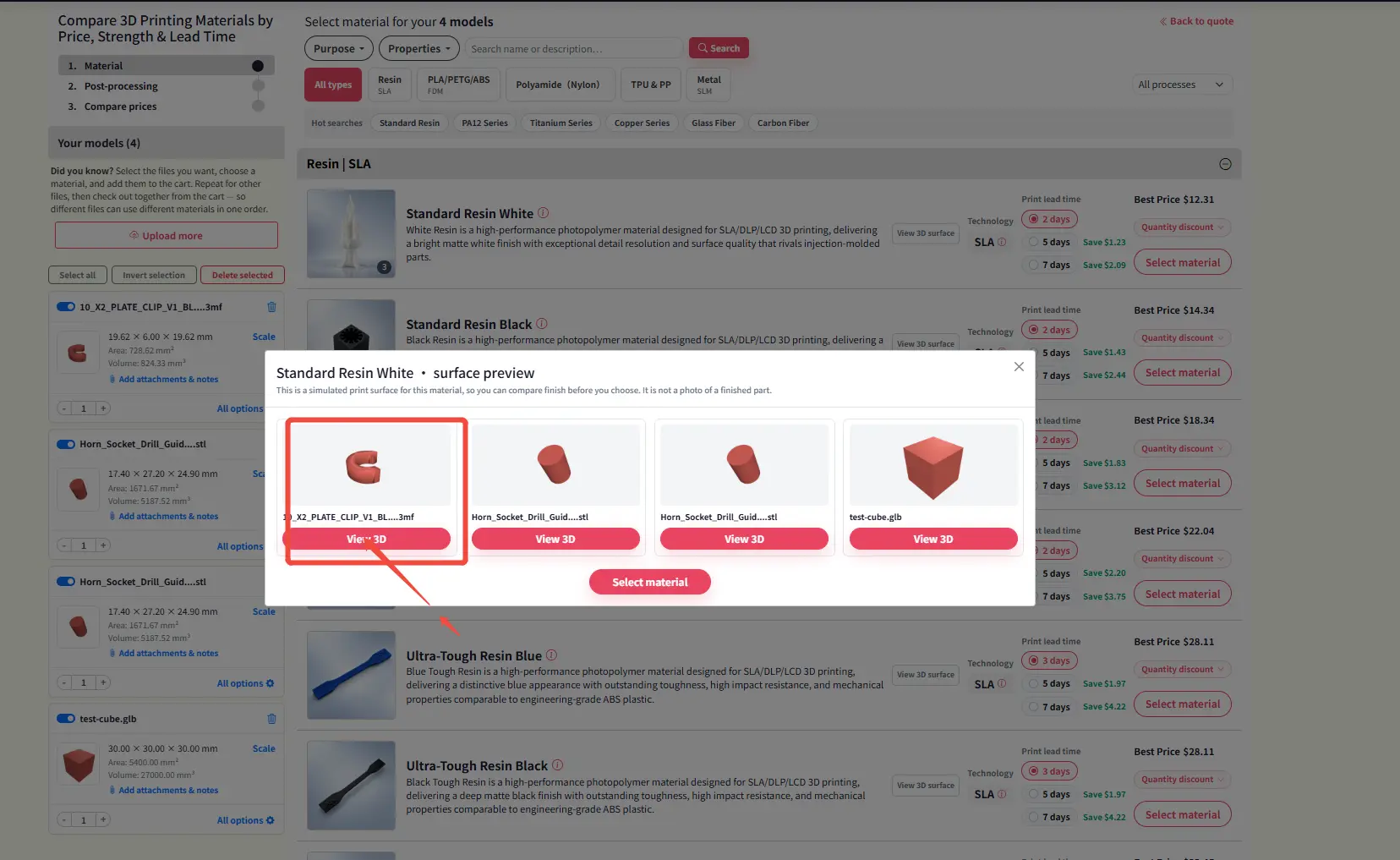
Figure 2: Interactive 3D surface model of a selected material with rotation controls
Looking Ahead
The product team is already working on expanding the 3D surface viewer to support additional material categories, including metals, composites, and textiles. Future updates will also include annotation tools, allowing users to mark and share specific surface features directly within the 3D view.
We invite all users to explore this new feature and share their feedback. Your input helps us continue to improve the Material Page experience.
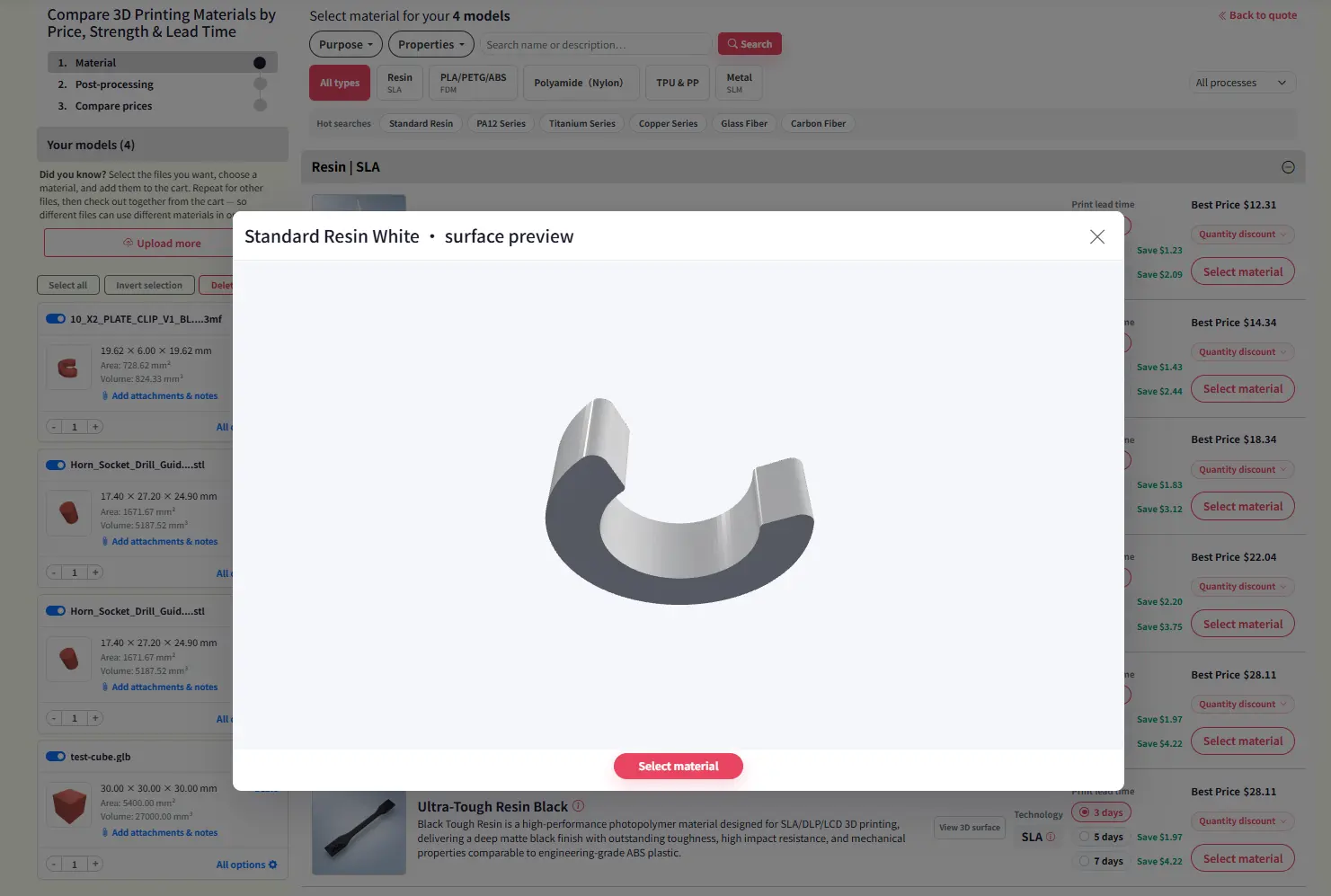
Figure 3: Side-by-side comparison of 2D material preview vs. 3D surface visualization
— — —
— End of News Release —

和這篇文章相關的製程。打開規格,或把檔案放到報價上。
Stereolithography (SLA) cures liquid photopolymer with a precision UV laser, building parts layer by layer.
建立報價
Multi Jet Fusion (MJF) applies fusing and detailing agents across a powder bed, then uses infrared energy to fuse each layer.
建立報價和這篇文章相鄰的材料。先看卡片,再上傳 CAD。
製程、後處理和檔案注意事項,來自車間,不是行銷軟文。
按主題查看公司、付款、物流和製程說明。

Post-processing, finishing, and OEM customization via 3D Plus™.
Questions about 3D printing processes, materials, MOQ, samples, and custom projects.
AIHFABS 根據 CAD 上傳為定制 3D 列印與 CNC 加工報價。比較 SLA、SLS、MJF、SLM、FDM、DLP、銑削與車削,並可在同一訂單中添加蒸汽拋光、染色、陽極氧化、拋光或粉末塗裝。
即時報價適合原型、治具、殼體與小批量。材料、工藝、數量與交期一起展示。
材料、工藝、數量與交期一起展示,減少工程變更後再發一輪供應商郵件。
上傳 STL、STEP 等常用 CAD 格式即可線上報價。
在同一零件上比較 3D 列印工藝與 CNC 選項。
選擇聚合物或金屬,需要時再添加 3D Plus 硬體後處理。
結算前查看價格與交期,特殊規格可申請人工報價。
若本頁描述的是你想再現的工藝、產業或樣品,請從上傳流程開始,把工藝與後處理與圖紙對齊。
我們使用 Cookie 優化瀏覽體驗。繼續使用即代表您同意我們的 隱私權政策
同意
留言