3D printing / post-processing
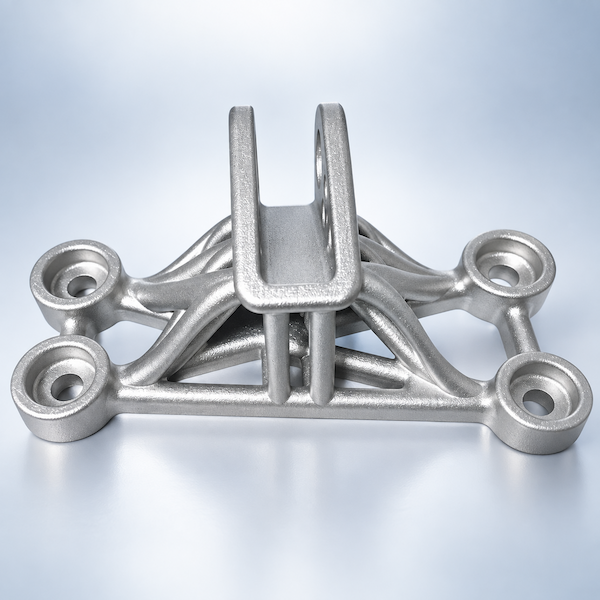
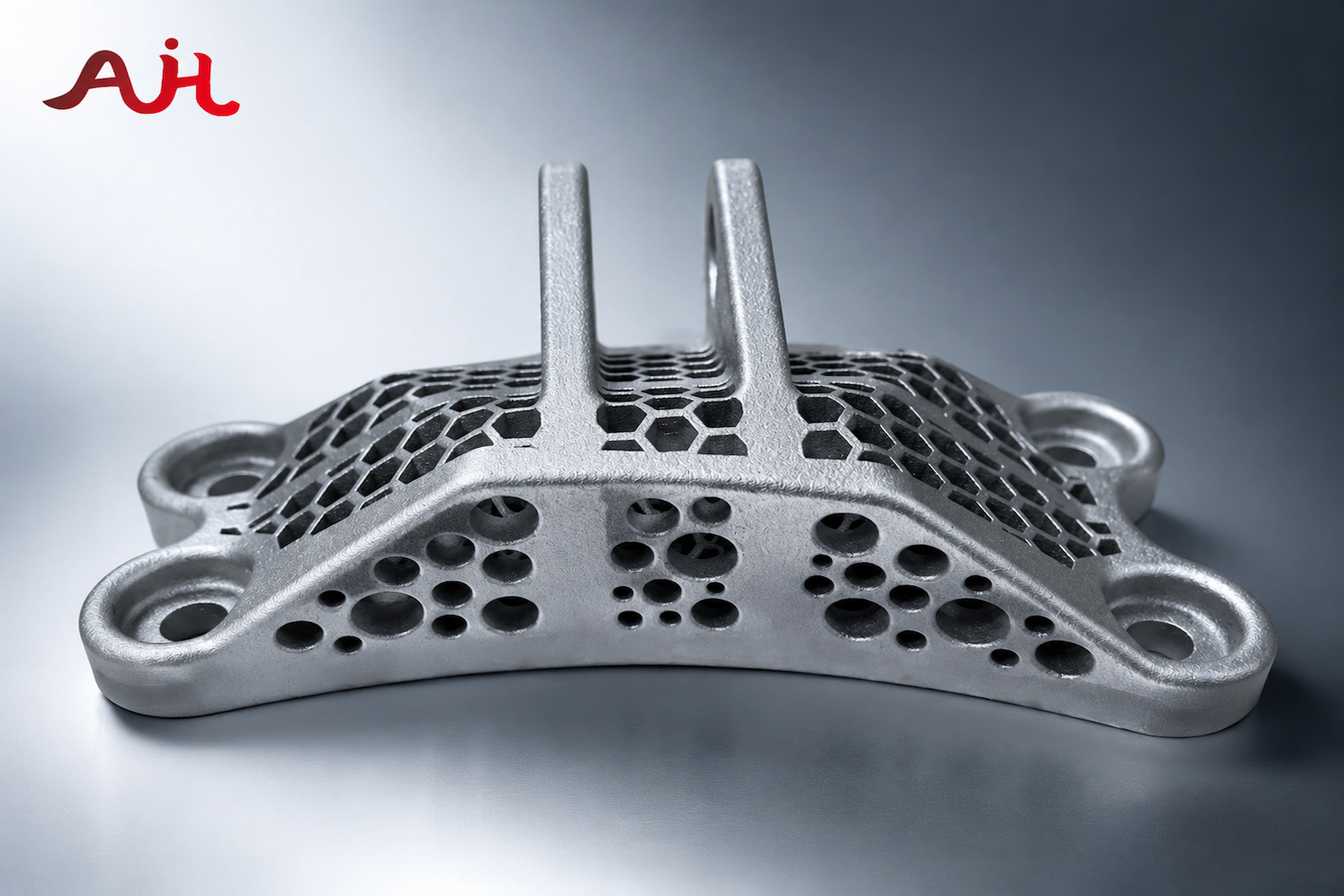
The as-printed part is rarely the part you assemble. Layer lines, support marks, and a raw metal skin still need a second process.
3D Plus is that second process on the same shop ticket: dye, blast, paint, anodize, tap. Quote the print and the finish together, or open a project and add files as they land.
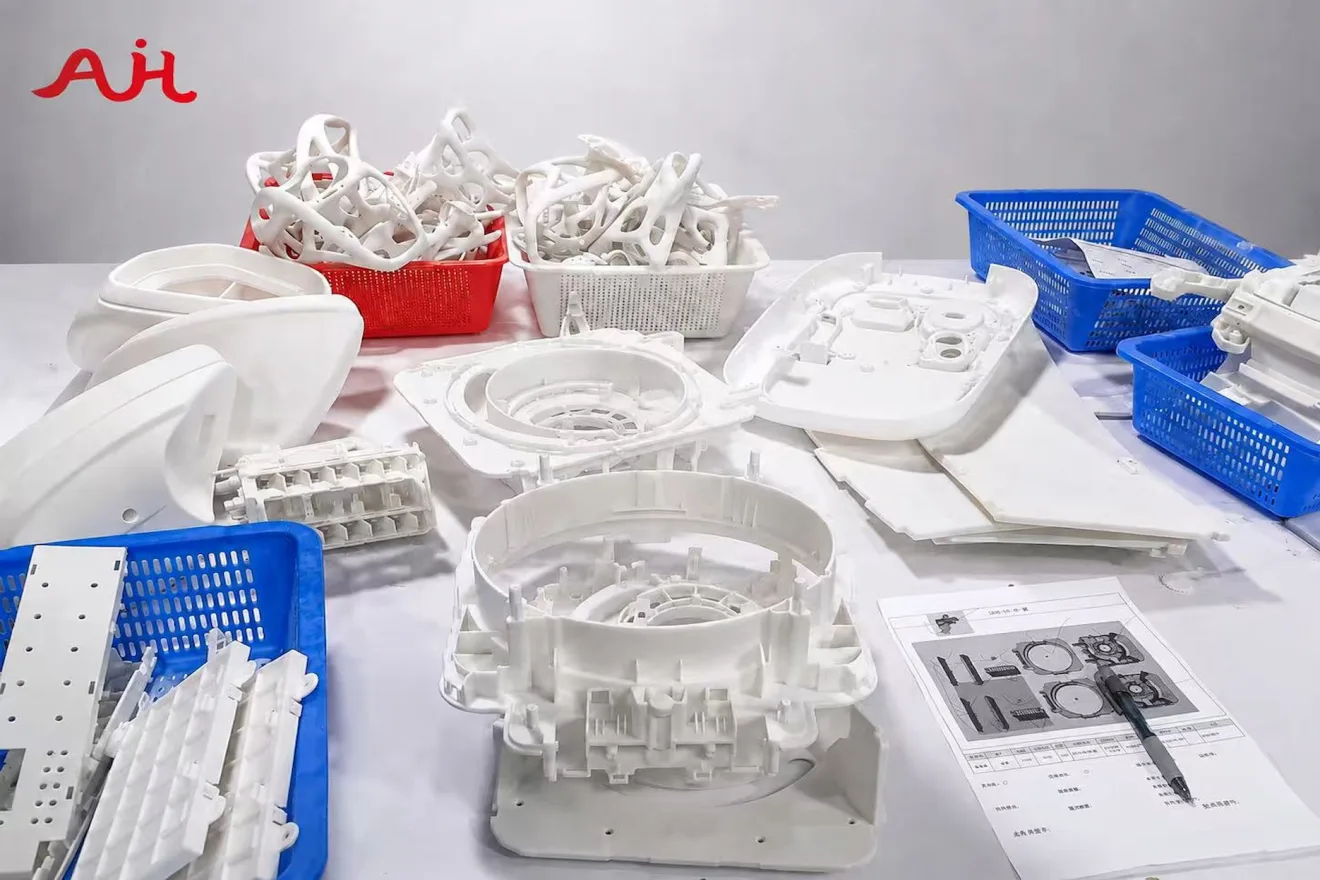
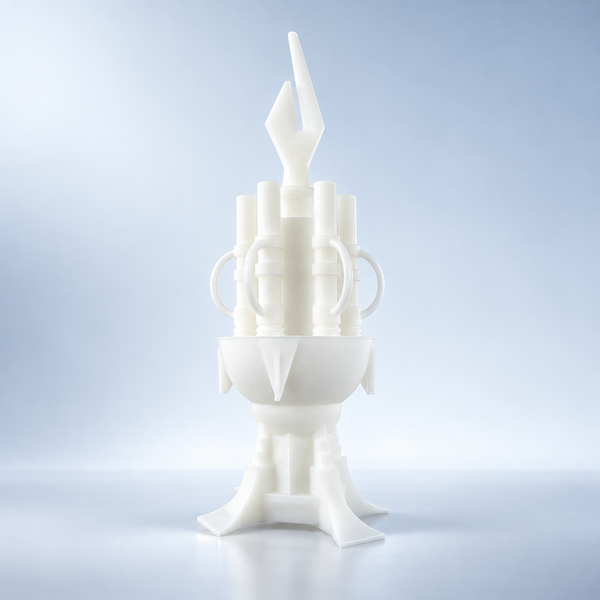
Post-processing is everything after the printer stops: clean the build, take supports off, then change color, feel, or how the part takes a fastener.
We keep it on one traveler so you are not sending a raw print to a second vendor for paint or anodize. The quote already has the finish days in it.
Start with color, surface, or function. The hardware catalog has the process notes.
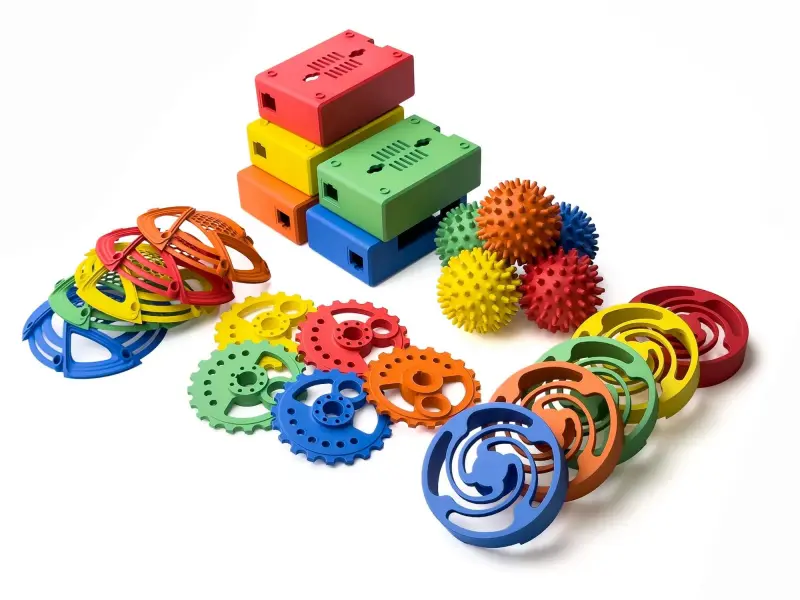
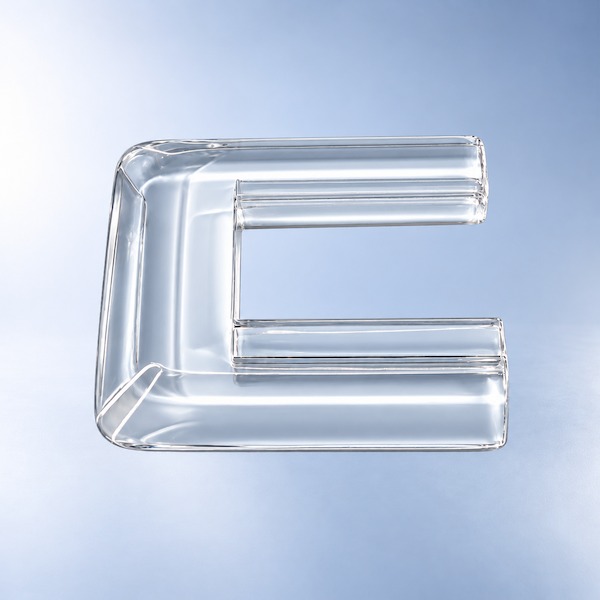
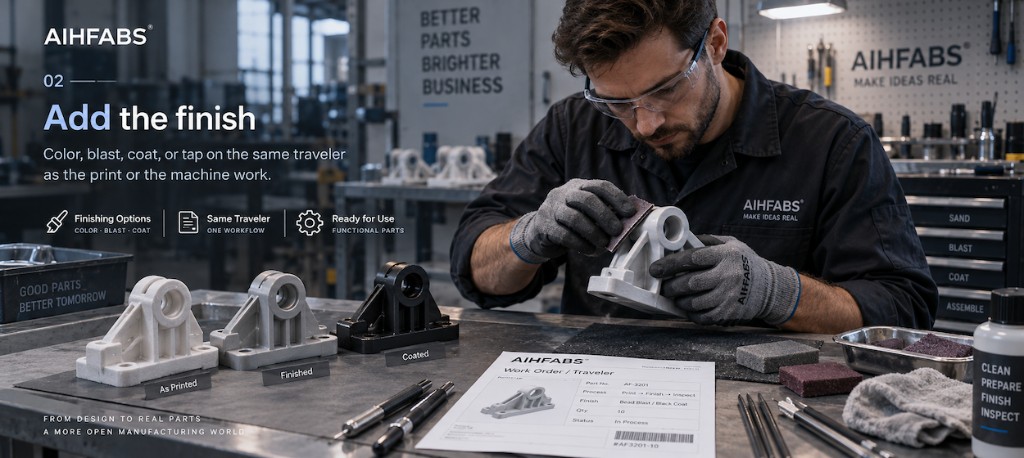
Dyeing, spray painting, anodizing, electroplating, and coating matched to brand or assembly color.
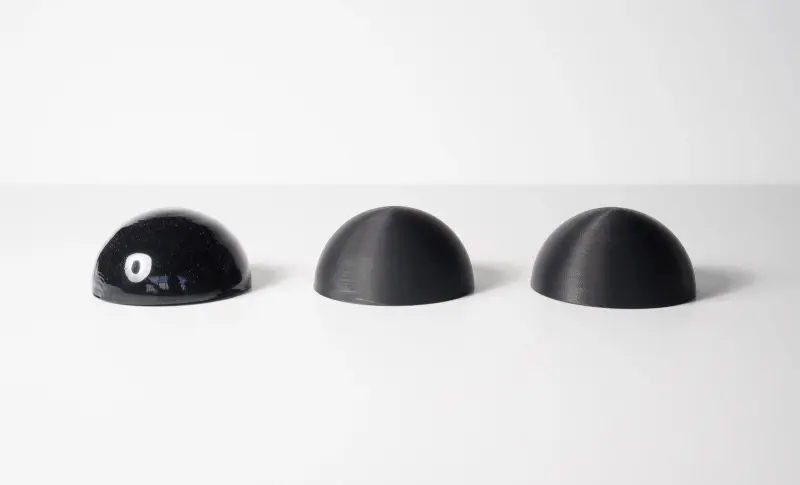
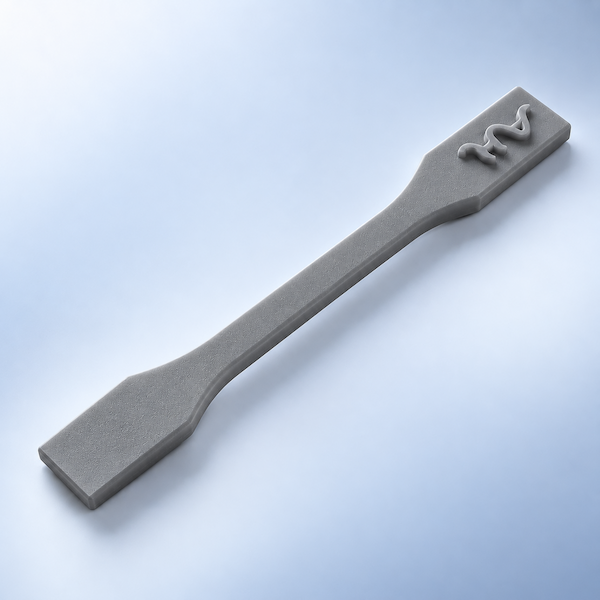
Bead blast, sandblast, polish, vapor smooth, and tumbling to hide layer lines and even the feel.
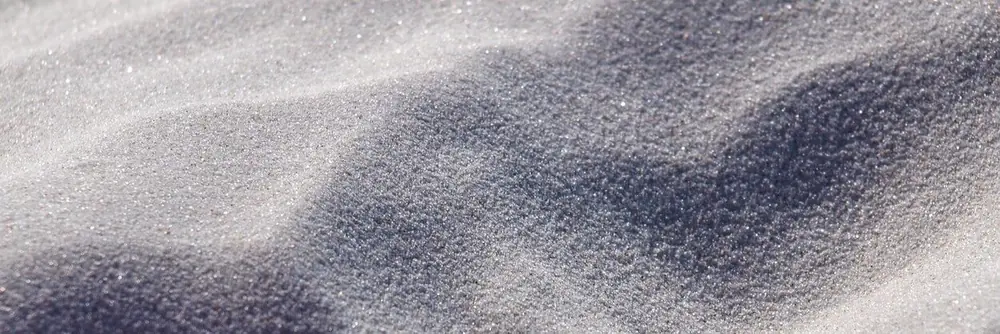
Tapping, threading, and assembly prep so printed parts drop into fixtures and fasteners.
Pick the print or machine route first. Finishing sits on the same ticket.
The stock you quote is the stock we finish. Open a grade, then upload the file.
One file. One project. Print or machine, then the post-process you picked.
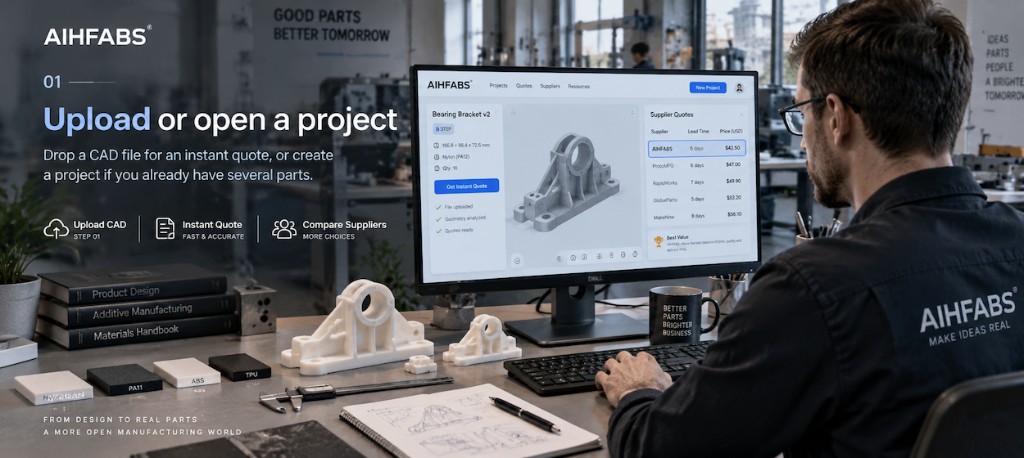 01
01
Drop a CAD file for an instant quote, or create a project if you already have several parts.
 02
02
Color, blast, coat, or tap on the same traveler as the print or the machine work.
 03
03
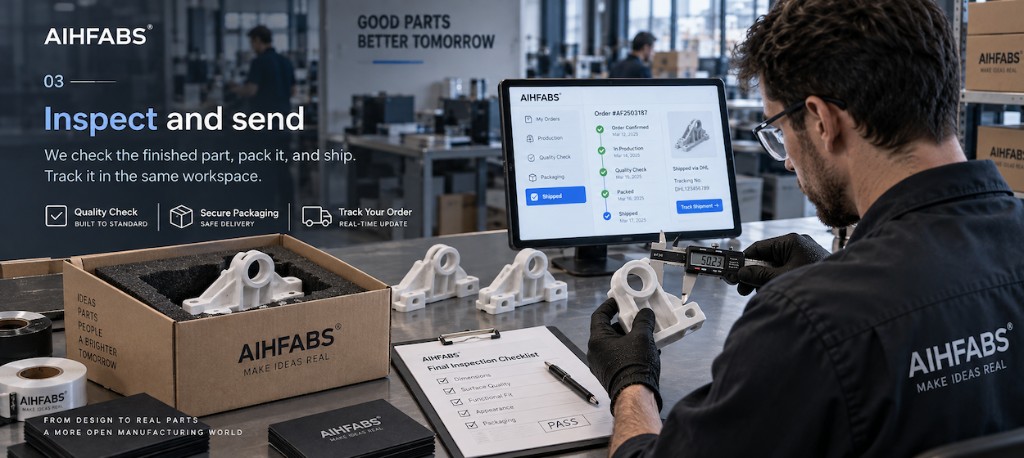
We check the finished part, pack it, and ship. Track it in the same workspace.
Upload a file for a factory quote, or create a project if this job has more than one part.
Need the same finishes on a machined part? Open CNC solutions →

We use cookies to personalize your experience. By using this site, you agree to our Privacy Policy
Accept