Enjoy a 10% discount on your first purchase. See More +
We help innovators
find the cheapest
3D printing supplier.
My Cart

Upload 3D Models Upload
My Cart
We help innovators
find the cheapest
3D printing supplier.
Dyeing

Dyeing

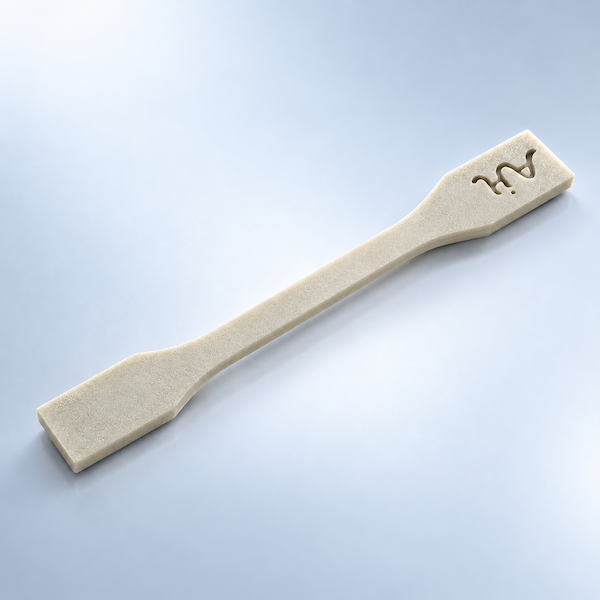
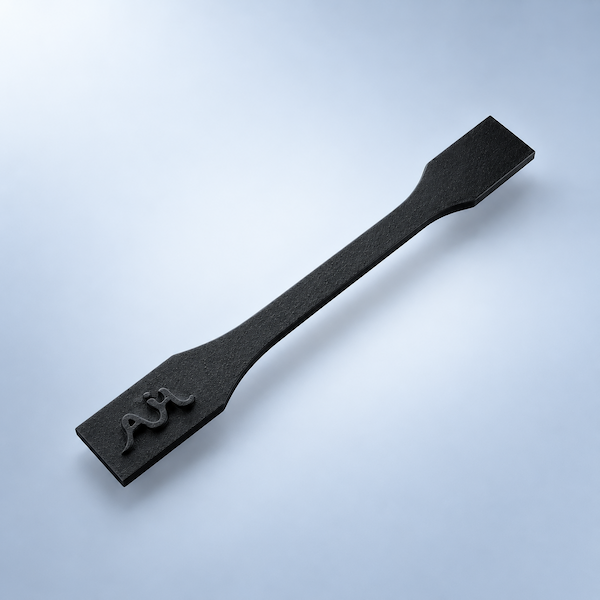
Dyeing in 3D printing is used to add color to printed parts, particularly nylon 3D prints. The process of dyeing involves immersing the printed object in a dye solution, allowing the color to penetrate the material for an even, vibrant surface finish. Dyeing enhances the visual appeal of parts and maintains the material's original properties without adding significant weight or altering its structure.

  • Quote group Color
  • Extra finishing lead time No extra days — included with the print lead time
  • Print processes that support this finish Polyamide(Nylon), TPU & PP

What Dyeing does for 3D printed parts

Dyeing is one of the 3D Plus hardware finishing services on AIHFABS. It is applied after printing so the part leaves production closer to a usable product—not only a raw build. Use this page to decide whether Dyeing matches your cosmetic, durability, or assembly requirements before you upload a file.

Dyeing in 3D printing is used to add color to printed parts, particularly nylon 3D prints. The process of dyeing involves immersing the printed object in a dye solution, allowing the color to penetrate the material for an even, vibrant surface finish. Dyeing enhances the visual appeal of parts and maintains the material's original properties without adding significant weight or altering its structure.

Finishing is quoted with the print. Select Dyeing in checkout, review price and lead time, and keep printing plus post-processing in one order instead of coordinating a second shop.

Why teams specify Dyeing

Appearance

Dyeing can hide layer lines, even out color, or create a more uniform surface for display models, consumer housings, and review samples.

Performance

Depending on the process, Dyeing may improve wear, corrosion resistance, grip, or light diffusion so the part survives handling and end use.

Ready-to-assemble parts

When Dyeing is combined with printing, you receive parts that are closer to install-ready, reducing secondary work in your own workshop.

How to order this finish

Ordering Dyeing follows the same 3D Plus software flow as a standard print. You do not need a separate finishing RFQ for catalog options.

  1. Upload the CAD file

    Use STL, STEP, or another supported format. The quoter checks volume and geometry so finishing can be priced against the actual part.

  2. Choose print process, material, and Dyeing

    Pick SLA, SLS, MJF, SLM, FDM, DLP, or CNC where applicable, then add Dyeing and any other 3D Plus hardware options the part needs.

  3. Compare price, lead time, and checkout

    Review supplier options, confirm quantity, and place the order. Printing and finishing stay on one timeline and one invoice.

Compatible processes and design notes

Dyeing is typically applied to plastics or metals produced with industrial 3D printing. Compatibility depends on material, wall thickness, and whether the surface can be reached by spray, media, chemistry, or tooling. Deep recesses, thin walls, and optical faces may need design review. If the automatic quote cannot apply Dyeing to your file, request a manual quotation.

Need Dyeing on a batch, a mixed-material assembly, or a part that also requires tapping or painting? Keep those options in the same quote so lead time includes the full stack of operations.

Options in the online quote

These are the 3D Plus rows tied to Dyeing. Compare the look, extra days, and which materials each option supports before you upload.

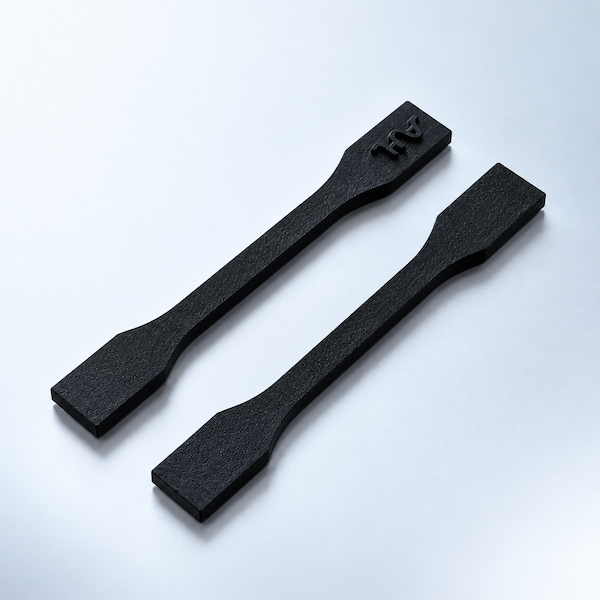
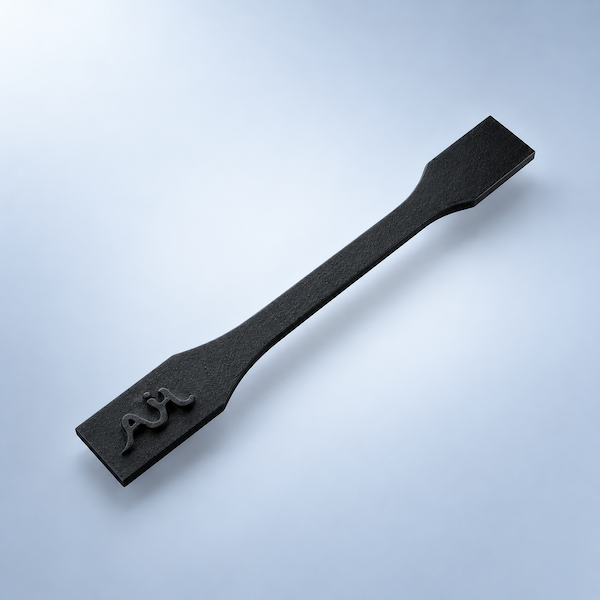
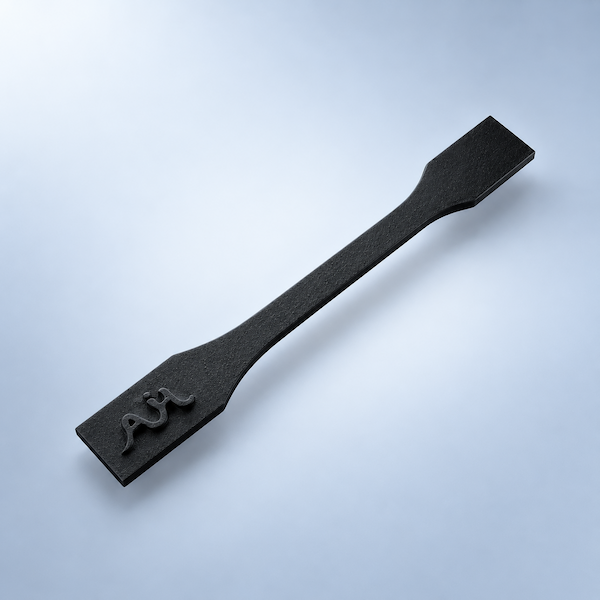
Dyed Black

Dyed Black

Dye impregnation post-processing saturates 3D-printed polymer parts with colorants at molecular level, achieving permanent coloration with superior fade resistance and uniform hue penetration throughout the material matrix.

  • Extra finishing lead time No extra days — included with the print lead time

Compatible materials

Quote this finish

Materials you can pair with Dyeing

Only these grades can take this finish in the instant quote. Open a material for specs, or upload a file and the quoter will only show compatible options.

Upload a CAD file Create a project Talk to an engineer Browse materials

Dyeing questions

Answers that apply to Dyeing on AIHFABS 3D Plus hardware — materials, size change, and how to order it with the print.

What is Dyeing on a 3D printed part?

Dyeing in 3D printing is used to add color to printed parts, particularly nylon 3D prints. The process of dyeing involves immersing the printed object in a dye solution, allowing the color to penetrate the material for an even, vibrant surface finish. Dyeing enhances the visual appeal of parts and maintains the material's original properties without adding significant weight or altering its structure.

Which printed materials can take Dyeing?

Dyeing is a color or optical finish. SLS and MJF nylon take dye; resins take paint, primer, frosting, and clear coats; aluminum and other metals take anodizing, plating, or e-coat. The quoter only offers Dyeing when the selected material can accept it.

Does Dyeing change dimensions or hide layer lines?

Paint, plating, and e-coat add a thin film. Dye soaks into nylon with little build-up. Frosting and clear coats change how light hits the surface more than the CAD size. Call out fits and optical faces in the quote notes so they can be masked.

Does dyeing hide layer lines the way paint does?

Dye colors nylon through the surface; it does not fill layer lines the way paint or vapor smoothing does. Combine dyeing with tumbling or vapor smoothing when you need both color and a smoother hand.

How do I add Dyeing to a quote?

Upload the CAD file, choose a print process and material, then turn on Dyeing. Price and lead time update on the same order. If the automatic quote cannot apply it, request a manual quotation and note fits or color codes.


Cookie Policy

We use cookies to personalize your experience. By using this site, you agree to our Privacy Policy

Accept