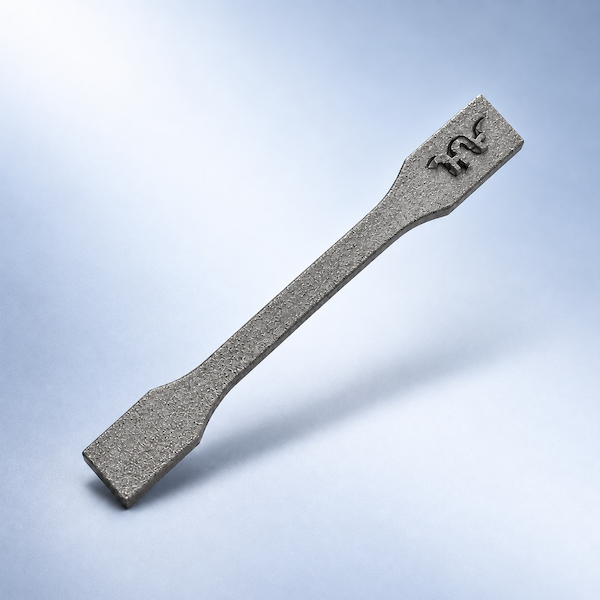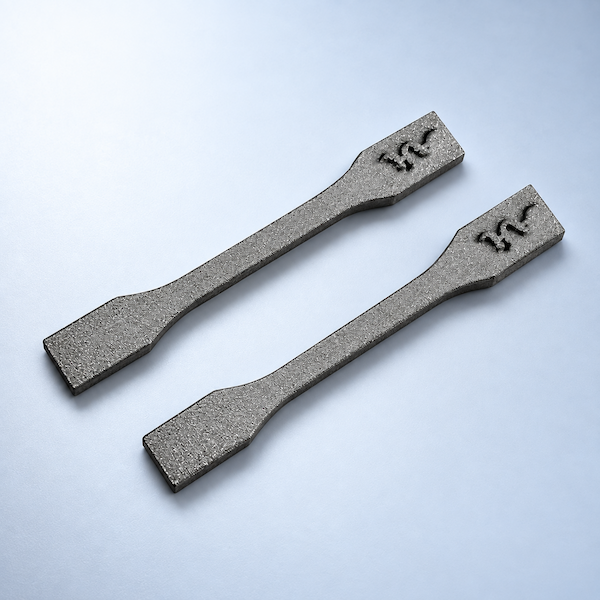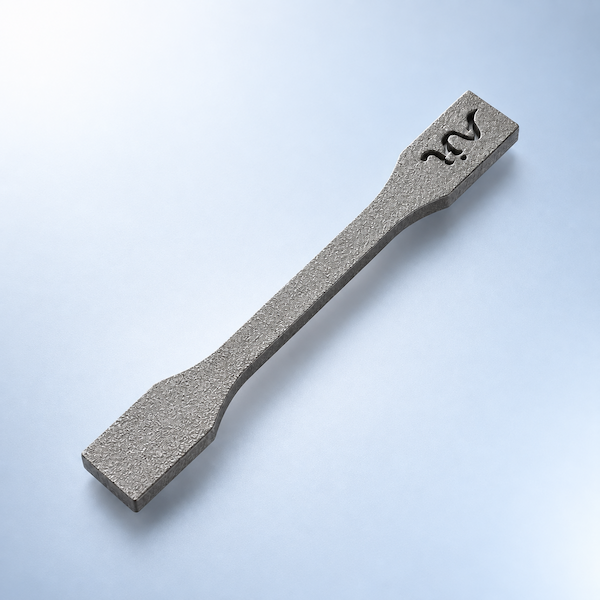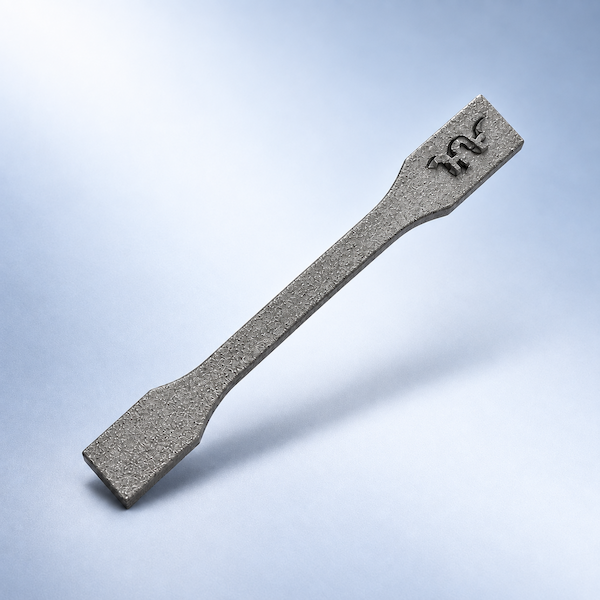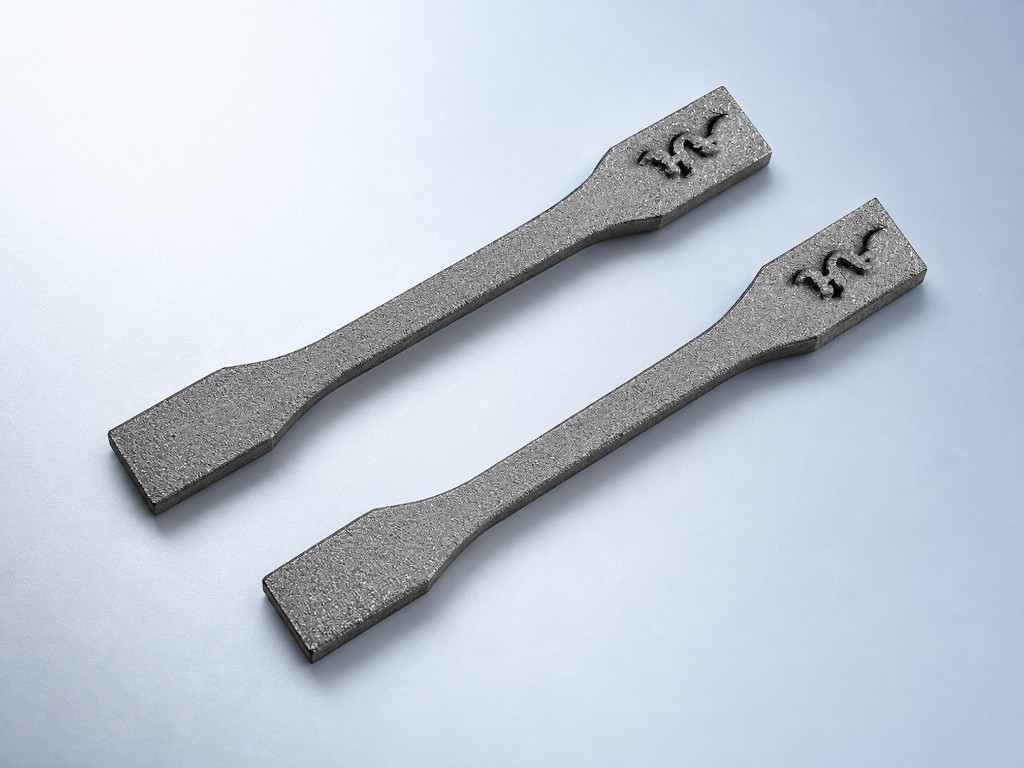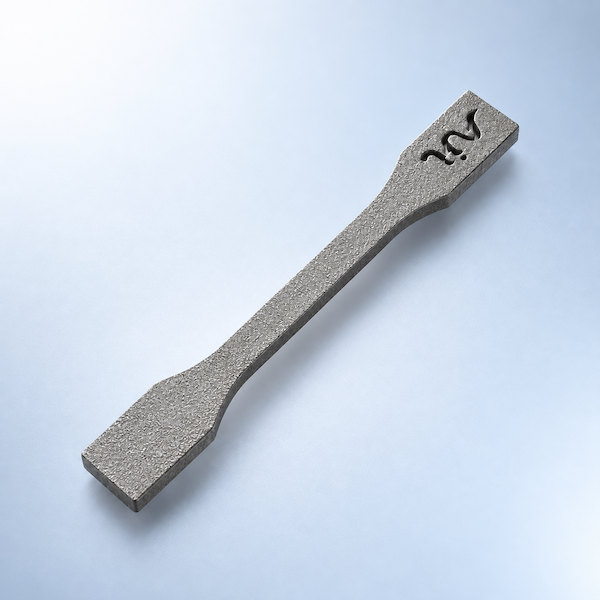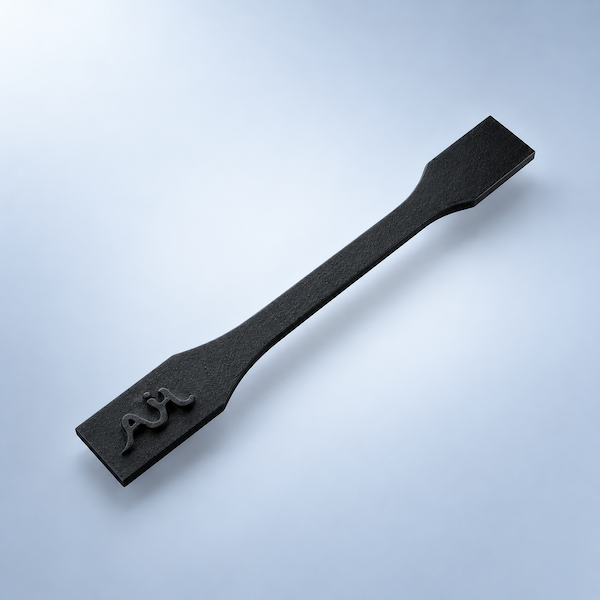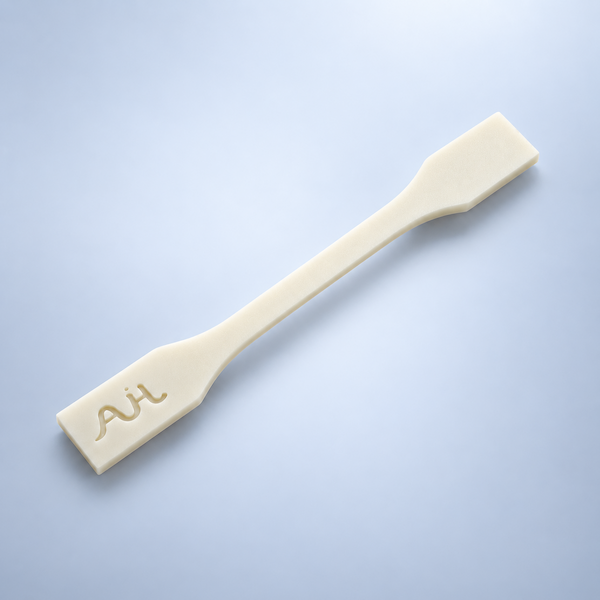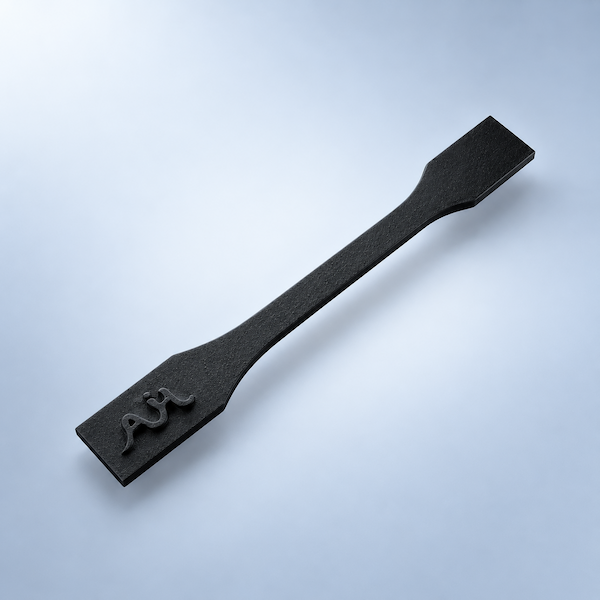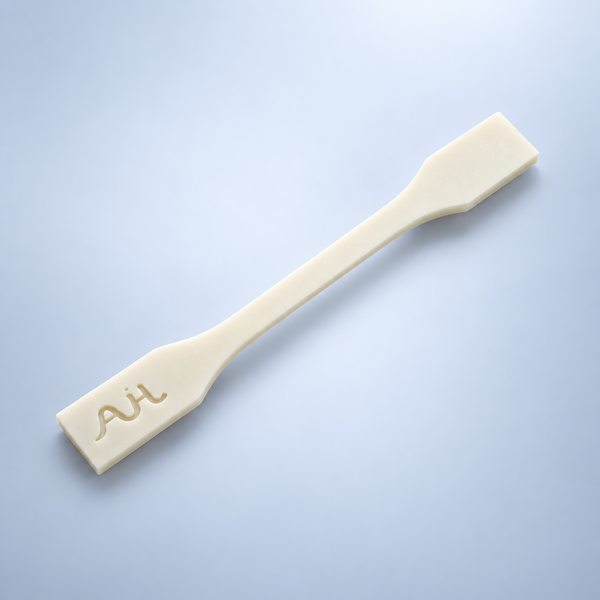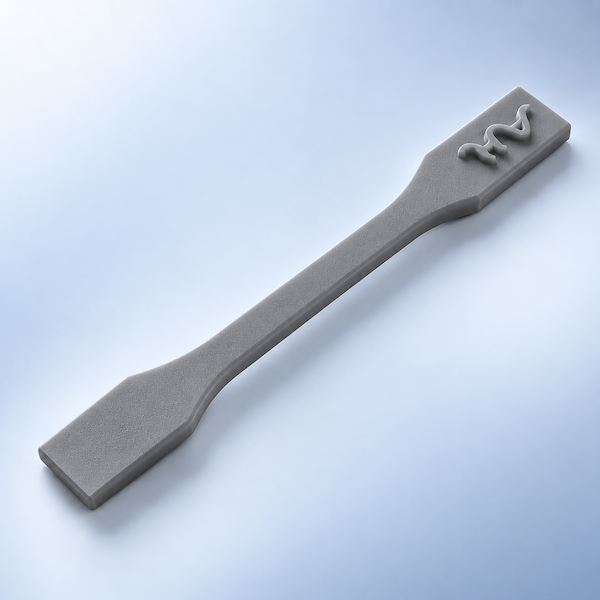
Tapped
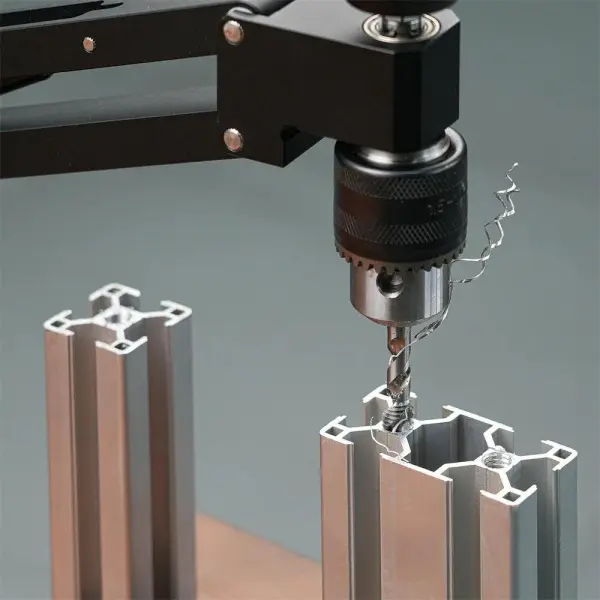
Tapping/threading creates thread on your product, enabling secure screw or bolt fastening for precise mechanical assemblies.
Compatible materials
Tapping is used to create internal threads within printed parts, allowing for the integration of screws and other threaded fasteners. It uses a tap tool to cut precise threads into the material, ensuring a secure and reliable connection. Tapping creates strong, durable threads in a variety of 3D printing materials, enhancing part functionality and structural integrity, and providing a cost-effective solution for custom threaded components.
Tapping is one of the 3D Plus hardware finishing services on AIHFABS. It is applied after printing so the part leaves production closer to a usable product—not only a raw build. Use this page to decide whether Tapping matches your cosmetic, durability, or assembly requirements before you upload a file.
Tapping is used to create internal threads within printed parts, allowing for the integration of screws and other threaded fasteners. It uses a tap tool to cut precise threads into the material, ensuring a secure and reliable connection. Tapping creates strong, durable threads in a variety of 3D printing materials, enhancing part functionality and structural integrity, and providing a cost-effective solution for custom threaded components.
Finishing is quoted with the print. Select Tapping in checkout, review price and lead time, and keep printing plus post-processing in one order instead of coordinating a second shop.
Tapping can hide layer lines, even out color, or create a more uniform surface for display models, consumer housings, and review samples.
Depending on the process, Tapping may improve wear, corrosion resistance, grip, or light diffusion so the part survives handling and end use.
When Tapping is combined with printing, you receive parts that are closer to install-ready, reducing secondary work in your own workshop.
Ordering Tapping follows the same 3D Plus software flow as a standard print. You do not need a separate finishing RFQ for catalog options.
Use STL, STEP, or another supported format. The quoter checks volume and geometry so finishing can be priced against the actual part.
Pick SLA, SLS, MJF, SLM, FDM, DLP, or CNC where applicable, then add Tapping and any other 3D Plus hardware options the part needs.
Review supplier options, confirm quantity, and place the order. Printing and finishing stay on one timeline and one invoice.
Tapping is typically applied to plastics or metals produced with industrial 3D printing. Compatibility depends on material, wall thickness, and whether the surface can be reached by spray, media, chemistry, or tooling. Deep recesses, thin walls, and optical faces may need design review. If the automatic quote cannot apply Tapping to your file, request a manual quotation.
Need Tapping on a batch, a mixed-material assembly, or a part that also requires tapping or painting? Keep those options in the same quote so lead time includes the full stack of operations.
These are the 3D Plus rows tied to Tapping. Compare the look, extra days, and which materials each option supports before you upload.
Tapping/threading creates thread on your product, enabling secure screw or bolt fastening for precise mechanical assemblies.
Compatible materials
Only these grades can take this finish in the instant quote. Open a material for specs, or upload a file and the quoter will only show compatible options.
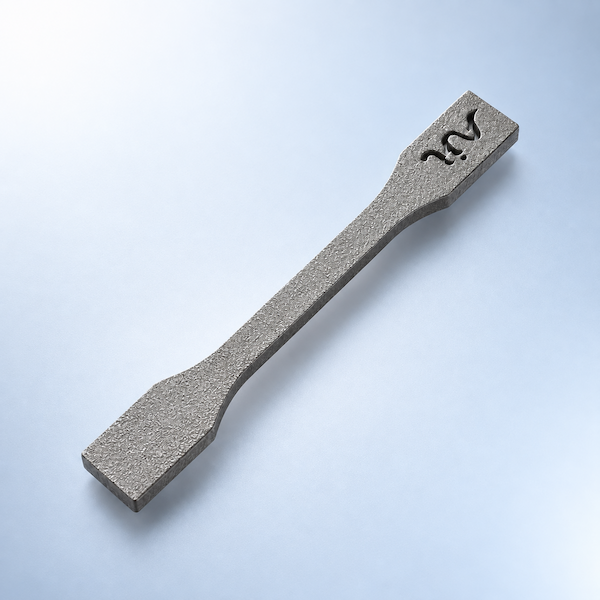
17-4 PH Stainless Steel
Print lead time: 5Days
18NI300
Print lead time: 10Days
316L Stainless Steel
Print lead time: 5Days
Aluminum Alloy 6061
Print lead time: 5Days
Aluminum Alloy AlSi10Mg
Print lead time: 5Days
Titanium Alloy Series
Print lead time: 7Days
Titanium Alloy Ti₆Al₄V
Print lead time: 7Days
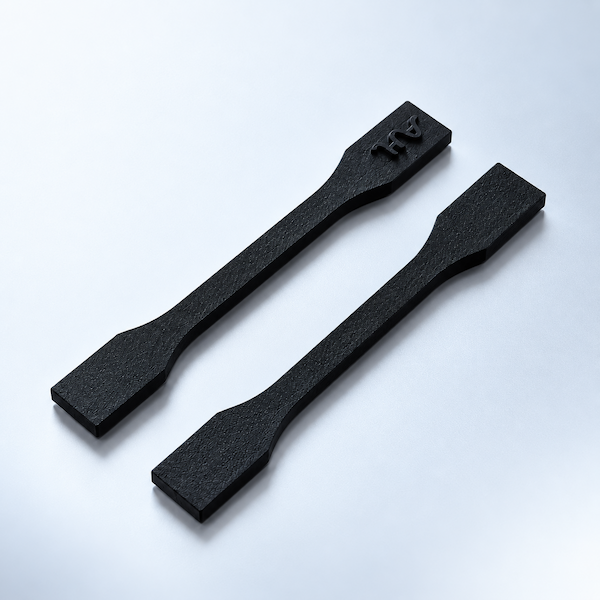
Nylon PA 11 Black
Print lead time: 5Days
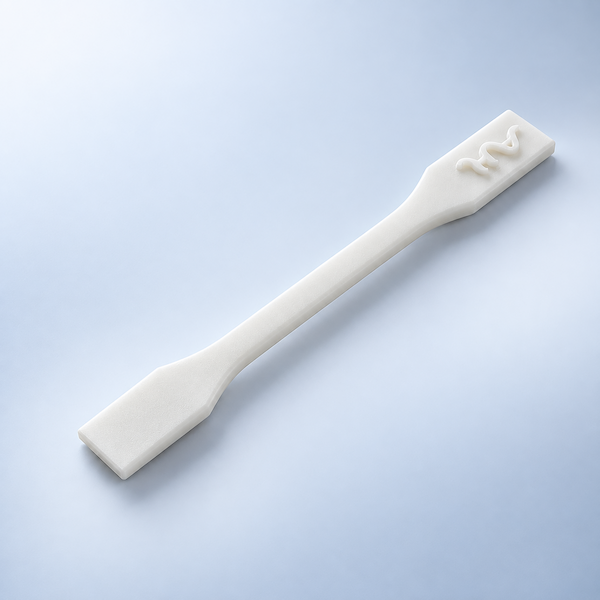
Nylon PA 11 White
Print lead time: 5Days
Nylon PA 12 Black
Print lead time: 72Hours
Nylon PA 12 Glass-filled White
Print lead time: 72Hours
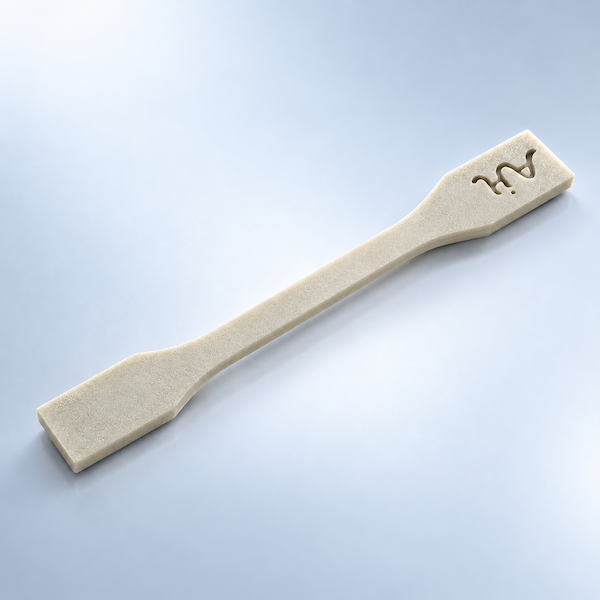
Nylon PA 12 Gray
Print lead time: 96Hours
Nylon PA 12 White
Print lead time: 72Hours
Nylon PA 6 Glass-filled Black
Print lead time: 5Days
PA12 Black | SLS
Print lead time: 72Hours
PA12 GF White | SLS
Print lead time: 5Days
PA12 Gray | MJF
Print lead time: 5Days
PA12 White | SLS
Print lead time: 72Hours
Answers that apply to Tapping on AIHFABS 3D Plus hardware — materials, size change, and how to order it with the print.
Tapping is used to create internal threads within printed parts, allowing for the integration of screws and other threaded fasteners. It uses a tap tool to cut precise threads into the material, ensuring a secure and reliable connection. Tapping creates strong, durable threads in a variety of 3D printing materials, enhancing part functionality and structural integrity, and providing a cost-effective solution for custom threaded components.
Tapping cuts or forms threads in printed plastic or metal. Wall thickness around the hole must hold the tap or thread. Heat-set inserts are an option when the printed material is too soft for a cut thread.
Tapping and threading remove material inside the hole and can raise a slight burr at the entry. Keep the thread length and major diameter in the CAD or the quote notes. Nearby thin walls may need a boss.
Printed threads are coarse. Tapping cuts a cleaner internal or external thread for machine screws. Call out the thread spec (for example M3×0.5) and whether you need a heat-set insert instead.
Upload the CAD file, choose a print process and material, then turn on Tapping. Price and lead time update on the same order. If the automatic quote cannot apply it, request a manual quotation and note fits or color codes.
We use cookies to personalize your experience. By using this site, you agree to our Privacy Policy
Accept