

CNC Machining
CNC Milling Services
CNC Milling Services use computer numerical control (CNC) mills to cut workpieces with rotating tools according to programmed toolpaths.
Create a quote
October 8, 2026
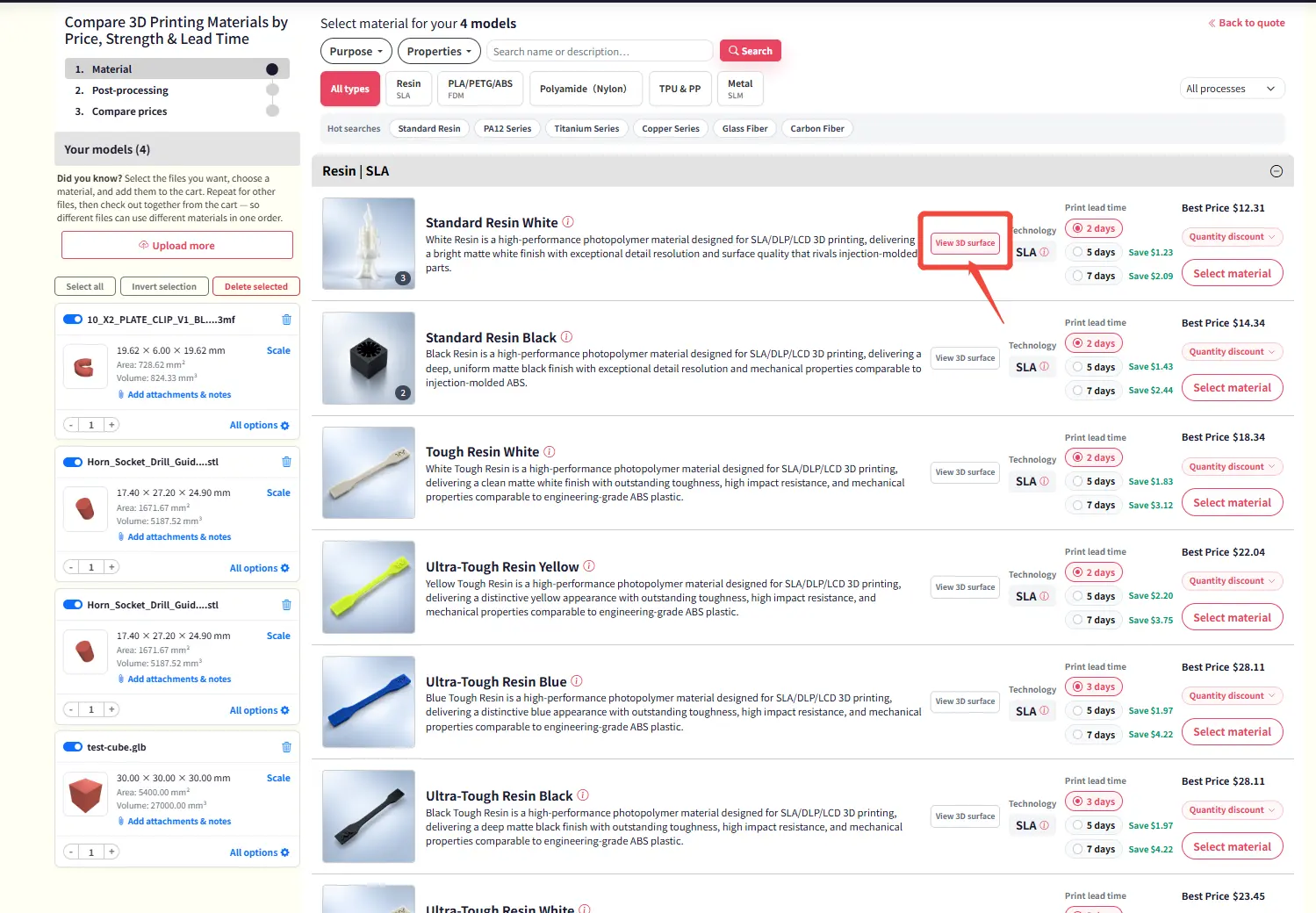
We are pleased to announce the release of a powerful new feature on our Material Page: an interactive 3D surface visualization tool that brings material surface effects to life in immersive three-dimensional graphics.
— — —
Overview
The Material Page has been enhanced with a built-in 3D surface viewer. This new capability allows users to explore the surface topology, texture, and finish of any selected material in a fully interactive three-dimensional environment. By transforming traditional flat previews into rotatable 3D models, the feature provides unprecedented insight into material properties that were previously difficult to assess from 2D images alone.
How to Access the 3D Viewer
Getting started is straightforward. Simply navigate to the Material Page from the main dashboard, select the material you wish to examine, and click the newly added "View 3D Surface" button located in the material preview panel. The 3D viewer will launch instantly, displaying a high-fidelity three-dimensional representation of the material's surface.
Once inside the viewer, users can rotate the model using mouse drag, zoom in and out with the scroll wheel, and pan across the surface to inspect fine details from any angle. The interface is designed to be intuitive and responsive, requiring no additional training or setup.
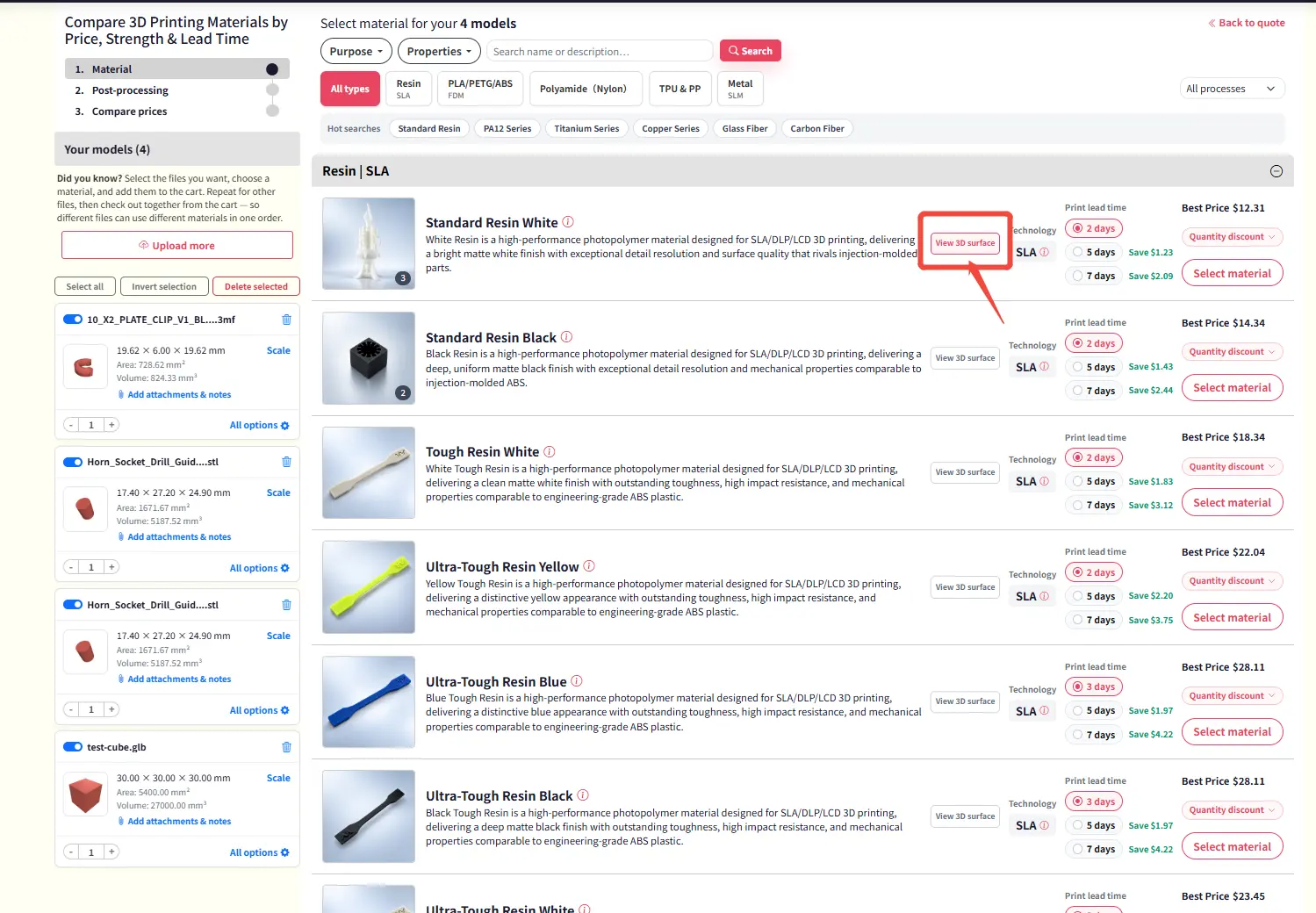
Figure 1: Material Page with the new "View 3D Surface" button highlighted
Key Benefits
This feature delivers several tangible advantages for design teams, engineers, and procurement professionals:
Improved Material Evaluation
Designers can now assess surface qualities — such as gloss level, grain pattern, and texture depth — in a realistic 3D context. This leads to more confident material selections and reduces reliance on physical sample kits.
Faster Decision-Making
With the ability to instantly visualize surface effects in three dimensions, review cycles are significantly shortened. Teams report up to a 40% reduction in material approval time, accelerating project timelines from concept to production.
Enhanced Collaboration
The 3D viewer supports easy sharing of material views with stakeholders. Team members can review the same 3D model simultaneously, discuss surface details in real time, and reach consensus more efficiently — all without leaving the Material Page.
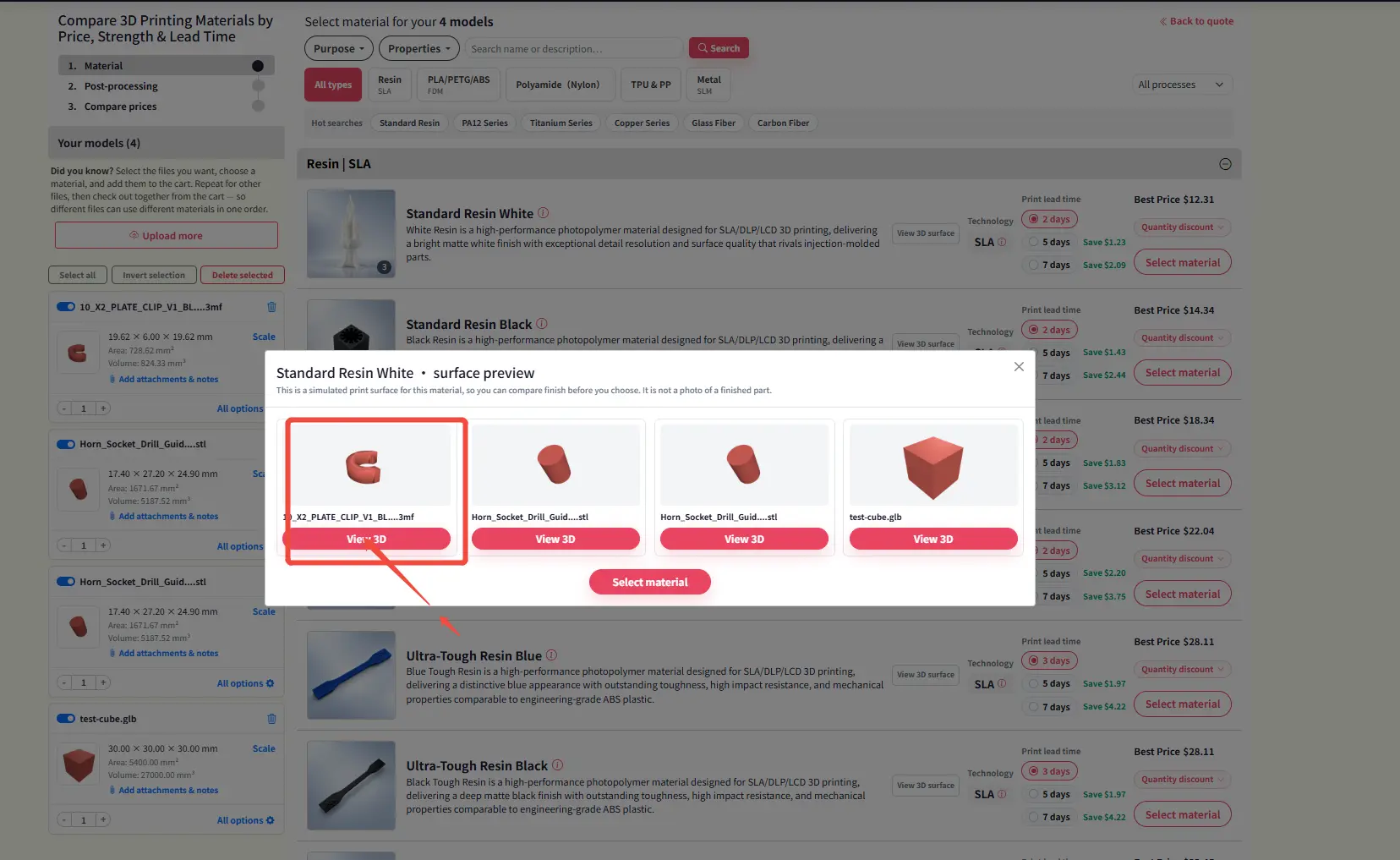
Figure 2: Interactive 3D surface model of a selected material with rotation controls
Looking Ahead
The product team is already working on expanding the 3D surface viewer to support additional material categories, including metals, composites, and textiles. Future updates will also include annotation tools, allowing users to mark and share specific surface features directly within the 3D view.
We invite all users to explore this new feature and share their feedback. Your input helps us continue to improve the Material Page experience.
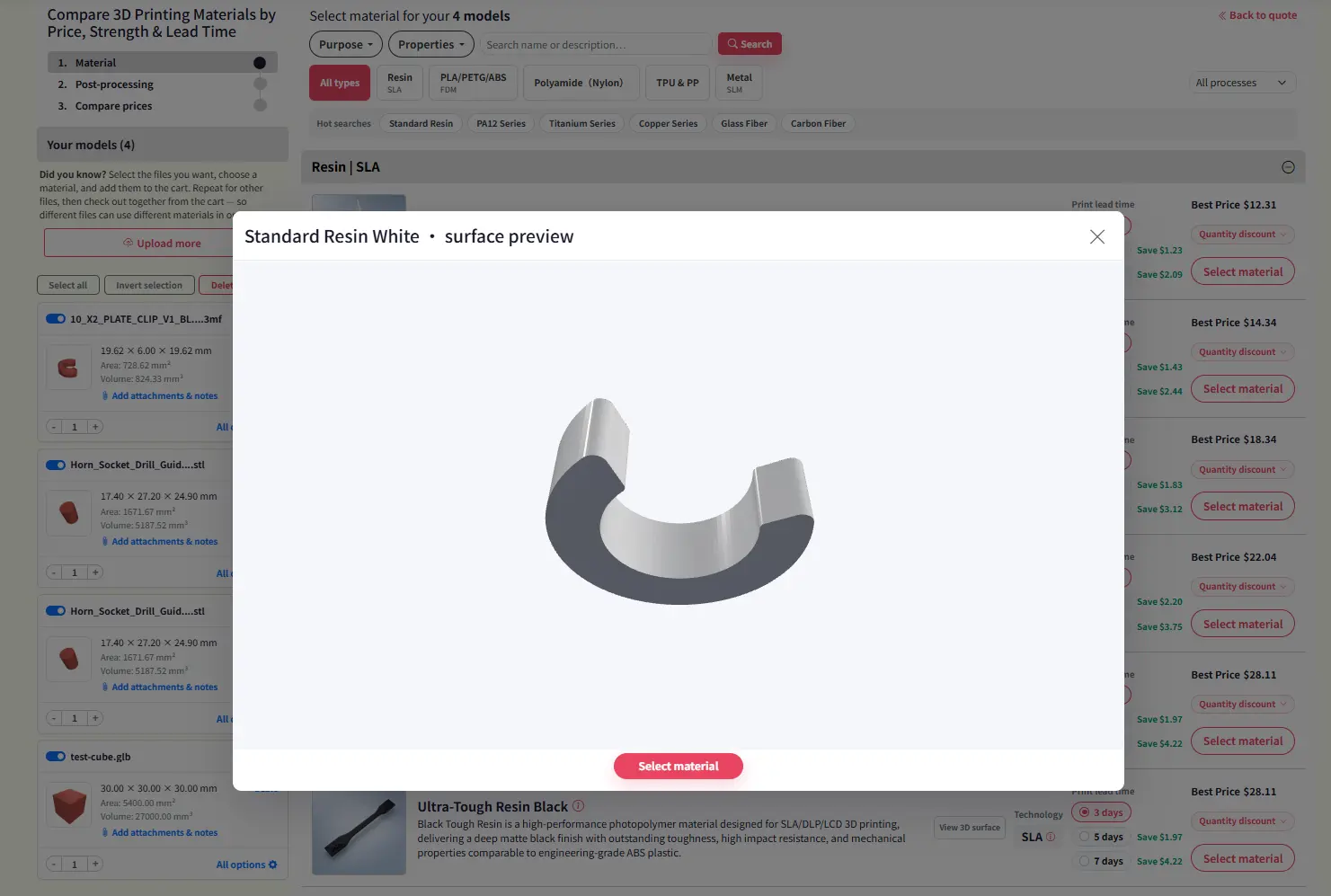
Figure 3: Side-by-side comparison of 2D material preview vs. 3D surface visualization
— — —
— End of News Release —

A process that fits this note. Open the spec, or put the file on a quote.
CNC Milling Services use computer numerical control (CNC) mills to cut workpieces with rotating tools according to programmed toolpaths.
Create a quote
Multi Jet Fusion (MJF) applies fusing and detailing agents across a powder bed, then uses infrared energy to fuse each layer.
Create a quoteMaterials that sit next to this article. Check the card, then upload CAD.
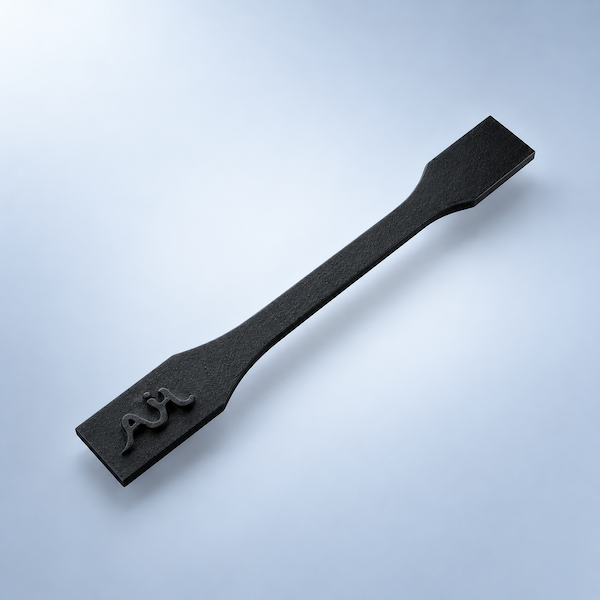
Process, finish, and file notes from the shop — not a marketing blog.
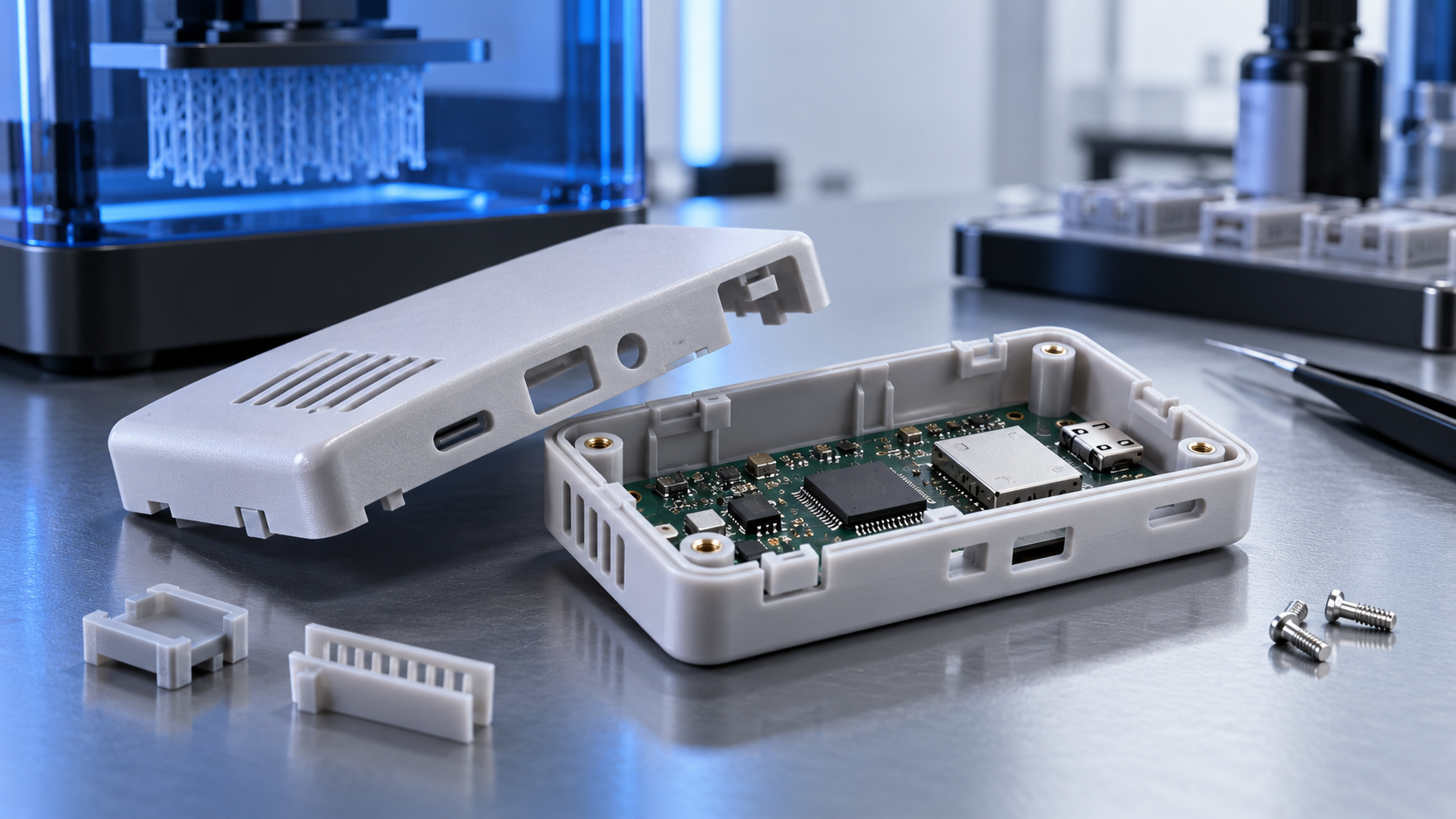
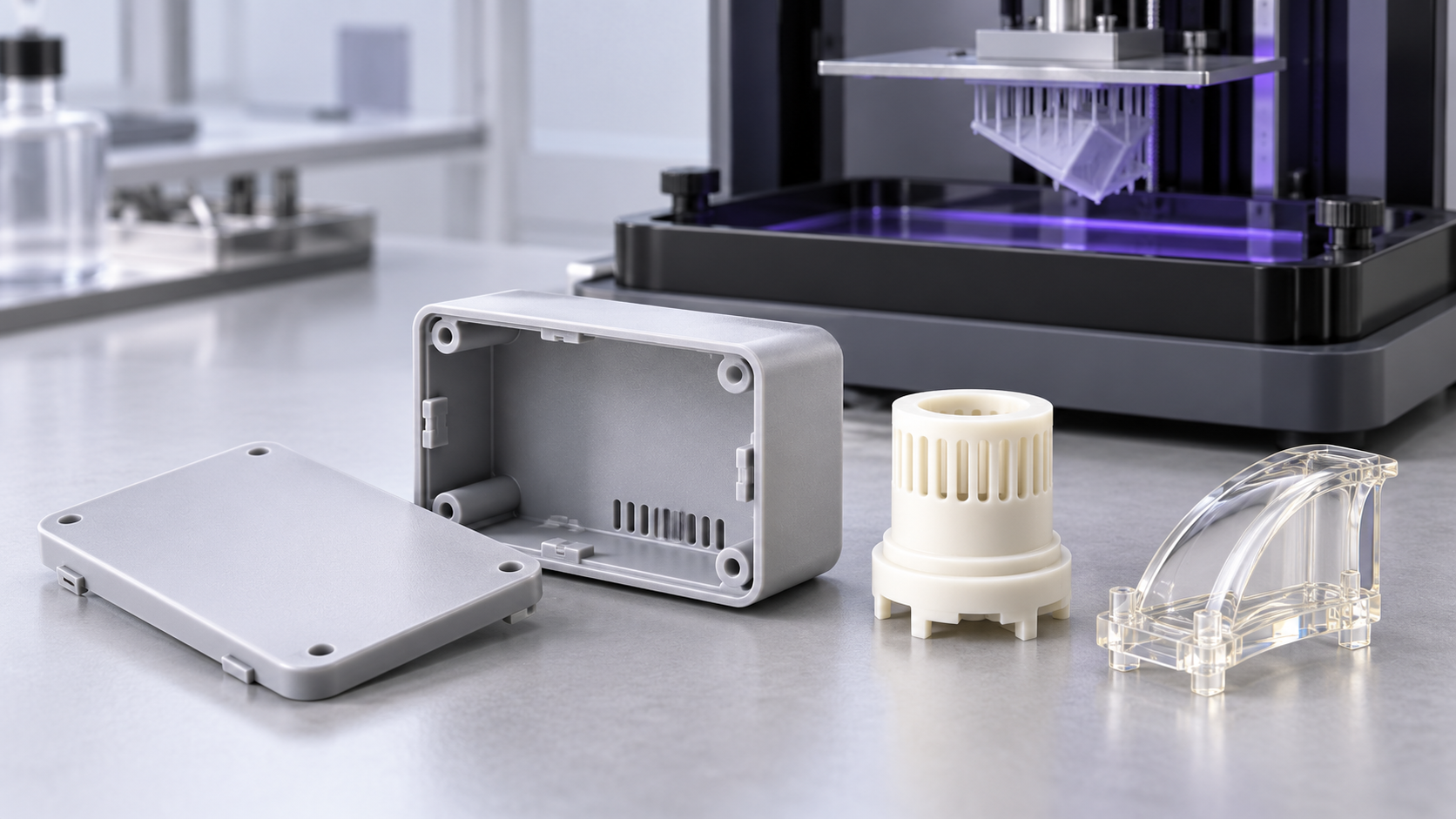
Company, payment, shipping, and process answers by topic.

Post-processing, finishing, and OEM customization via 3D Plus™.
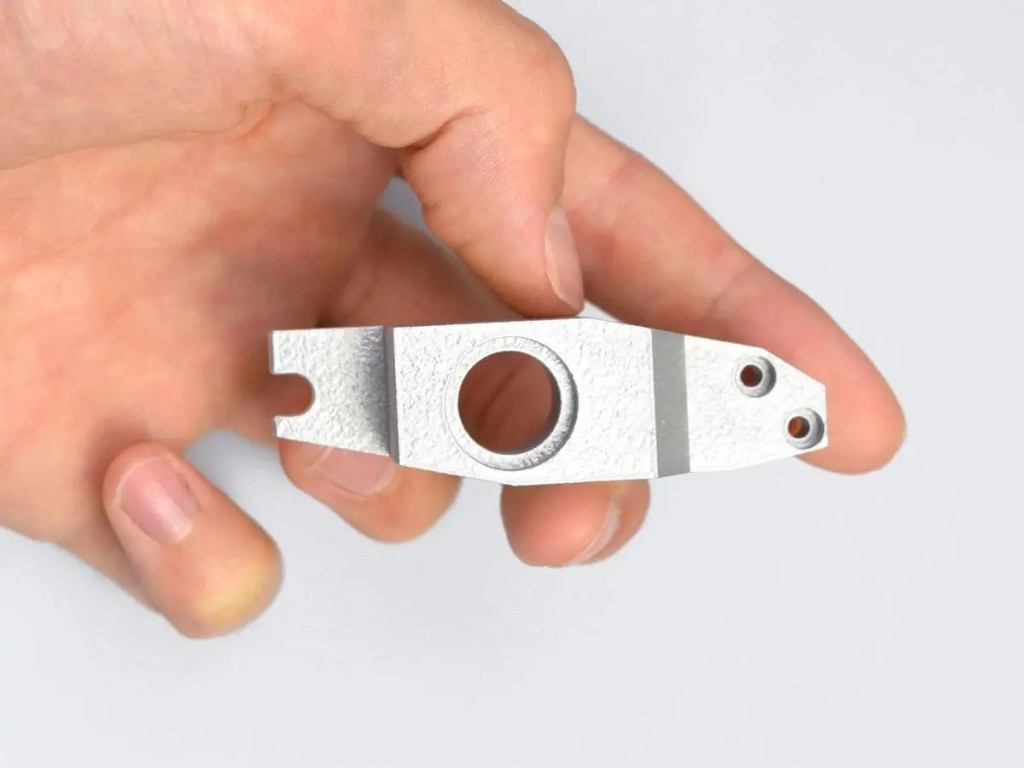
Questions about 3D printing processes, materials, MOQ, samples, and custom projects.
AIHFABS quotes custom 3D printing and CNC machining from a CAD upload. Compare SLA, SLS, MJF, SLM, FDM, DLP, milling, and turning, then add finishing such as vapor smoothing, dyeing, anodizing, polishing, or powder coating in the same order.
Instant quoting is built for prototypes, jigs, housings, and small-batch production. You see material, process, quantity, and lead time together, which keeps engineering changes from turning into a new round of supplier emails.
You can review material, process, quantity, and lead time together, so engineering changes do not turn into another round of supplier emails.
Upload STL, STEP, and other common CAD formats for an online quote.
Compare 3D printing technologies and CNC options on the same part.
Select polymers or metals, then add 3D Plus hardware finishing when needed.
Review price and lead time before checkout, or request a manual quote for special specs.
If this page describes a process, industry, or sample part you want to reproduce, start from the upload flow and match technology plus finishing to your drawing.
We use cookies to personalize your experience. By using this site, you agree to our Privacy Policy
Accept
COMMENTS