
3D Printing
Stereolithography (SLA)
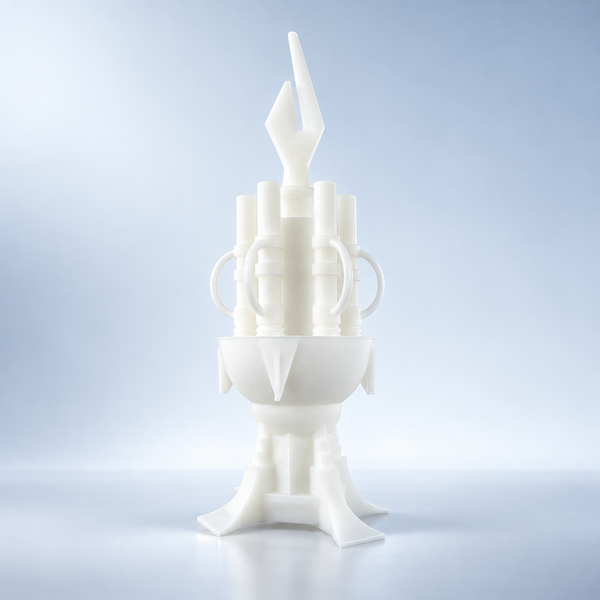
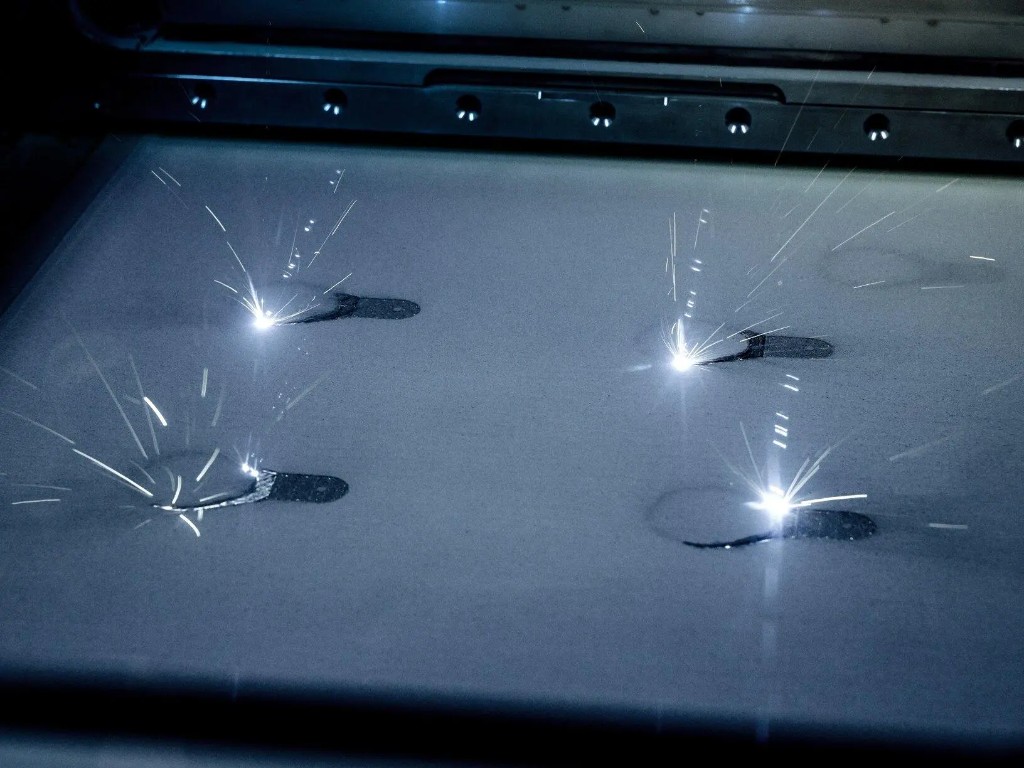
Stereolithography (SLA) cures liquid photopolymer with a precision UV laser, building parts layer by layer.
Create a quote
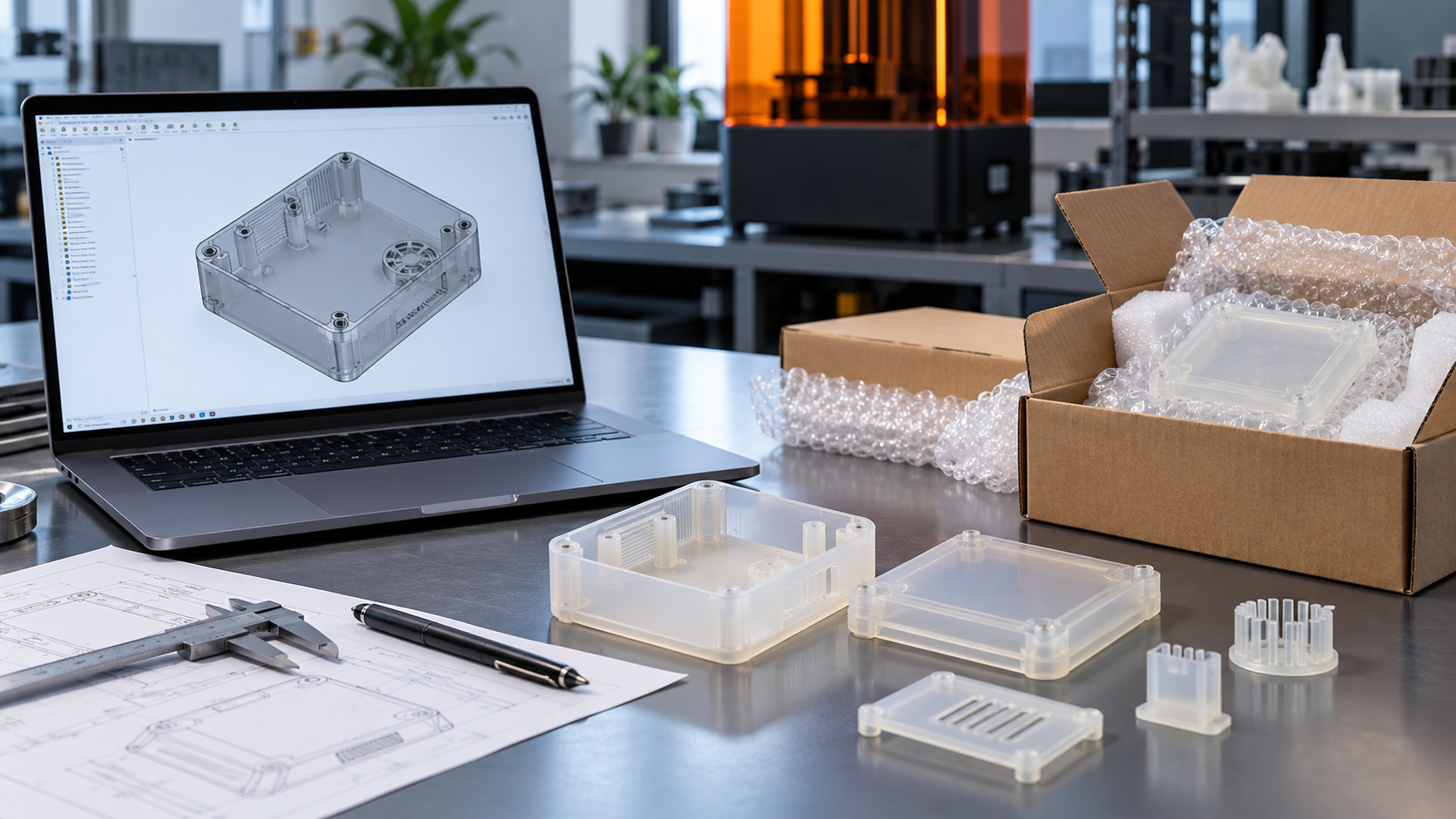
Ordering SLA parts starts with a 3D model, but a model alone does not tell a supplier what a successful part looks like. The same enclosure might be ordered for a presentation, an assembly check, or repeated opening and closing. Each purpose changes the material, surface finish, inspection requirements, and price.
To order SLA 3D printed parts successfully, prepare a consistent file package, choose a supplier that can meet your requirements, compare quotes for the same finished result, and approve the manufacturing details before production. After printing and finishing, check the delivered parts against those agreed requirements. This guide explains all six steps, including what to upload, what to ask, and how to avoid paying for an order that does not solve your problem.
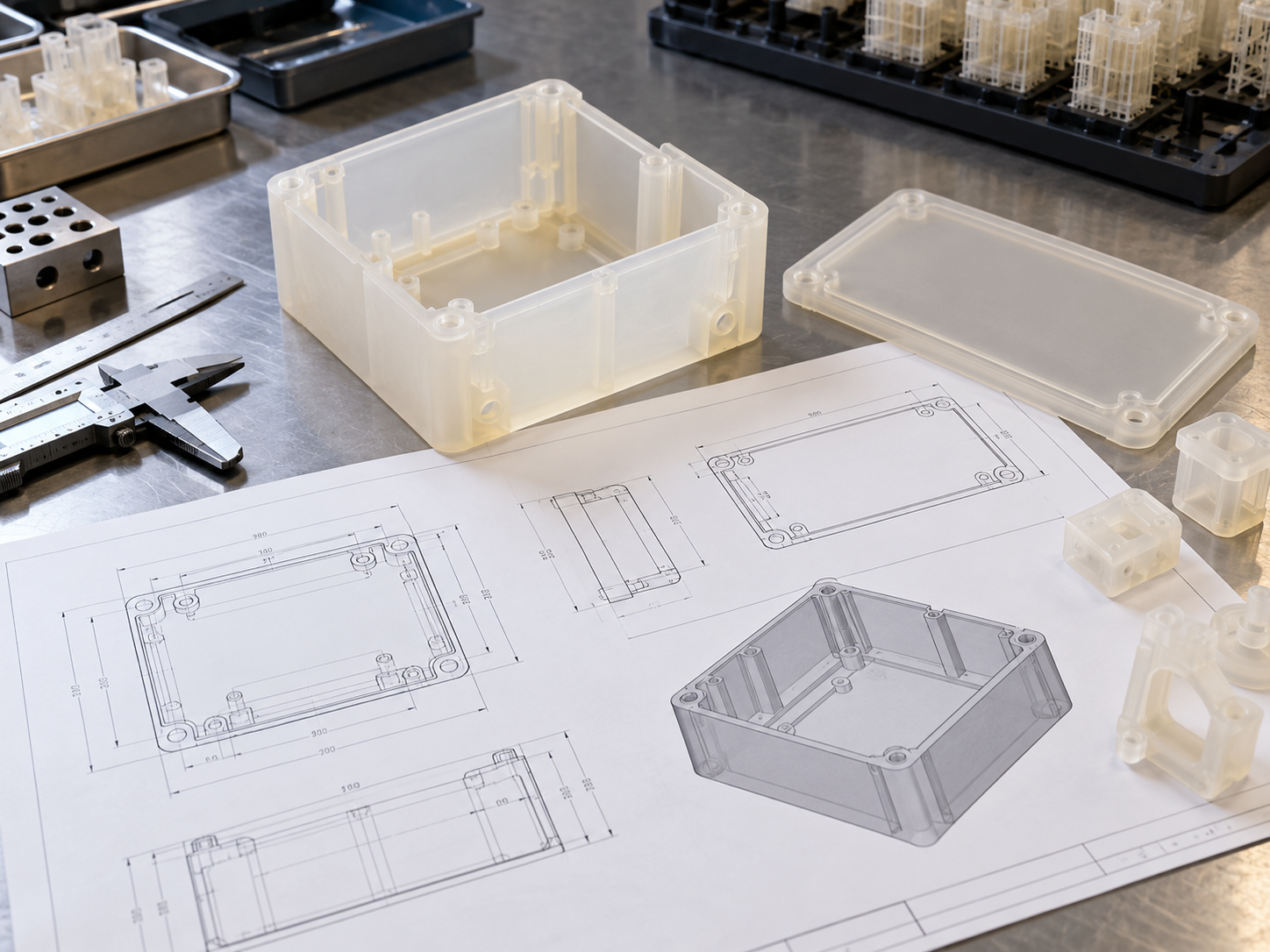
Start by describing what the part must do. “A white resin housing” leaves important questions unanswered. “A housing for checking circuit board clearance and connector alignment, with an unpainted internal mounting surface” gives the supplier a useful basis for reviewing the design.
Review thin walls, narrow ribs, small holes, deep recesses, and mating surfaces before exporting the model. Wall thickness should suit the resin, part size, unsupported span, and expected handling. A single minimum thickness cannot tell you whether a large panel will remain flat or a small clip will survive assembly.
For thick display models, ask whether hollowing is appropriate. Any enclosed cavity needs a practical route for uncured resin to drain and for cleaning. Hollowing a loaded part can change its behavior, so do not accept that change solely to reduce the quoted price. Design guidance from Protolabs Network also identifies drainage and support access as important considerations for SLA geometry.
Mark the surfaces that matter most: a visible front face, a sealing edge, or a location used to position another component. This lets the supplier assess orientation and support contact around your priorities. You do not normally need to design production supports yourself unless the supplier requests them.
Use a format accepted by the quoting platform. STEP or STP can preserve CAD geometry for engineering review; STL represents surfaces with triangles and should be exported finely enough to avoid visibly faceted curves. Reopen the exported file to check for missing bodies, damaged surfaces, or unintended gaps.
AIHFabs lists STL, STEP/STP, OBJ, and 3MF among its accepted upload formats. Its upload page also provides a file-unit selection. Confirm the overall dimensions in the preview, particularly for STL files, whose units may not be reliably carried with the mesh.
A useful check is to compare the displayed length, width, and height with your CAD model. If a housing intended to be 120 mm long appears at a very different size, resolve that discrepancy before requesting a production quote. This is an example of a file check, not a dimensional specification for your order.
Name each file with a part number and revision, such as enclosure_upper_revC.step. For an assembly, identify the quantity of each component as well as the number of complete sets. Twelve sets containing an upper and lower shell require 24 parts.
Include a matching drawing when tolerances, threaded features, inserts, or mating relationships affect acceptance. Identify which file controls the geometry and which drawing supplies dimensions and notes; resolve conflicts before release. An annotated image can explain cosmetic priorities, but it does not replace a dimensioned drawing where measurements matter.
At the end of this step, you should have one current model for each part, matching supporting documents, confirmed units, and an unambiguous quantity.
A supplier is suitable when it can address the risks in your particular part. A general statement about high precision does not answer whether it can protect a cosmetic face, supply a named resin, or inspect a difficult internal feature.
Tell the supplier whether the priority is appearance, assembly fit, repeated handling, heat exposure, or another operating condition. Request the proposed resin grade and its technical data sheet rather than relying on labels such as “premium resin” or “ABS-like.” Ask which delivered condition the quoted properties refer to, including post-curing where relevant.
For a presentation model, appearance and paint preparation may dominate the decision. For a repeatedly handled prototype, the discussion should include the loading and expected number of uses. If material choice is still open, use the SLA resin selection guide to narrow the options before approving a grade.
Define the finish just as clearly. “Standard finish” might mean support removal and local cleanup, while a display finish may require broader sanding, primer, paint, and cosmetic review. Ask what is included, which surfaces receive treatment, and whether support marks remain acceptable elsewhere.
For a thin enclosure, ask how the supplier would manage flatness and mating edges. For a visible cover, ask where support contact is likely and what cleanup is included. For a critical hole pattern, ask whether the required positions can be measured and reported.
A sample photograph can demonstrate appearance, but it cannot establish dimensional capability. Where fit or finish is difficult to judge, discuss an initial sample or a small first order before committing to the full quantity. Confirm the additional cost and approval time at the quotation stage.
Also establish who answers engineering questions and manages problems after delivery. If design confidentiality matters, review the supplier's file-access terms and arrange any required agreement before uploading sensitive geometry. By the end of supplier selection, material, finishing, inspection, and communication should have a clear owner.
Upload the approved design package and select SLA, the proposed material, quantity, and required finish. Provide the delivery destination and the date you need usable parts in hand. If the portal has no field for an important requirement, put it in the production notes or send it for engineering confirmation before checkout.
Confirm that every component appears, the dimensions are correct, and the quantity refers to parts or sets as intended. Make sure the quote uses the correct revision. Where you have uploaded both STEP and STL versions, explain that they describe the same part so they are not treated as separate order items.
An automatic geometry check and an instant price answer different questions. A manufacturability check may flag a thin wall or file problem; a price estimate calculates the cost of the configured job. Neither alone proves that the part will satisfy an unmentioned fit, cosmetic, or operating requirement.
If a portal allows layer-thickness selection, ask whether a finer setting would improve the surfaces that matter. Do not treat layer thickness as the finished part's dimensional tolerance. Specify the required result and let the supplier confirm the appropriate process settings.
The lowest initial price is only useful when the offers cover the same deliverable. Use the following comparison before deciding that one supplier is cheaper.
Quote item | What should match or be explicitly explained |
Files and quantity | Same revision, units, individual components, and number of sets |
Material | Named resin grade and any proposed substitution |
Delivered condition | Cleaning, support removal, required post-curing, and remaining support marks |
Surface treatment | Surfaces to be sanded, painted, polished, or left untreated |
Inspection | Critical features, measurement method, sampling, and requested records |
Additional work | Assembly, inserts, joining, special packaging, or other agreed operations |
Schedule | Production start condition, dispatch estimate, transit, and arrival requirement |
Total payable | Parts, finishing, inspection, packaging, shipping, and any excluded charges |
For example, an unpainted enclosure with local support cleanup and a fully painted display enclosure are different purchases. If you need both assembly testing and a presentation sample, ask for separate line items instead of paying for display finishing on every part.
The following is an illustrative request, not a customer case. Replace the details with your own requirements before sending it.
Purpose: Fit-check housings for a circuit board and connectors, with one set also used for appearance review.
Files: Upper and lower enclosure, revision C, in millimeters. Matching drawings identify the critical mounting and connector features.
Quantity: Twelve complete sets, meaning twelve upper shells and twelve lower shells. Please quote two initial sets and ten further sets released after approval.
Material: Please recommend a named SLA resin for assembly and repeated handling, with its data sheet and delivered curing condition.
Finish: Quote basic cleanup for the fit-check parts and a separate painted option for one display set. Keep the specified mating faces free of paint.
Review and inspection: Confirm the drawing requirements, proposed support-contact areas, and any geometry changes before production. Quote inspection of the identified features separately if it is not included.
Delivery: Required arrival date [date], delivery destination [country and postal code]. Show production and transit estimates separately, including the effect of sample approval.
This gives suppliers a common basis for quoting while leaving room for them to recommend a practical manufacturing approach.
Before production, resolve the issues that could change the geometry, material, finish, price, or delivery date. Some orders require a manual engineering review; others follow a simpler workflow. Confirm how your supplier handles the review rather than assuming that every upload receives a full engineering assessment.
A suggestion to thicken a wall, add a drainage hole, change support contact, or split a large model can affect how the part works. Ask what problem the change solves, what it changes in the finished part, and whether the revised result still meets your requirements.
Separate changes to the model from changes to the manufacturing setup. A new hole needs an updated model or explicit authorization. A different build orientation may leave the model unchanged but alter support marks on an important face. Both should be discussed when they affect acceptance.
Do not leave conflicting revisions in an email chain. Identify the final approved file and ask the supplier to reference it in the order confirmation. If the design changes again, obtain a revised quote or written confirmation that the existing price and schedule still apply.
For critical dimensions, state the required tolerance on the drawing and confirm that the supplier accepts it. For appearance, identify the visible surfaces, color reference, and acceptable support marks or finish variation. If a physical approval sample is needed, include that stage in the schedule.
For an assembly, explain how fit will be checked. A mating component or a drawing of the interface can be more useful than a broad request for “high accuracy.” If a measurement report is required, agree which features and how many parts will be measured before ordering.
Review the final revision, quantity, resin grade, finish, inspection, delivery details, and total before submitting a purchase order or completing checkout. Payment and approval order vary by supplier; clarify whether payment reserves capacity or releases the job immediately.
If the order is staged, record the approval point for the first samples and who is authorized to release the remaining quantity. A sample stage only protects the project if the supplier knows to wait for that approval.
Once the order is released, the supplier converts the approved geometry into printable layers and manufactures the parts. In laser SLA, a laser selectively cures liquid photopolymer resin layer by layer. [3] Your main concern at this stage is that production and finishing follow the approved order, particularly where a proposed change would affect the delivered result.
Printing is followed by removal of uncured surface resin, drying, support removal, and any required post-curing. The precise sequence depends on the resin and workflow; supports may remain during curing when they help preserve the geometry. Formlabs' finishing instructions, for example, specify drying before post-curing and recommend retaining supports through that stage for its described workflow.
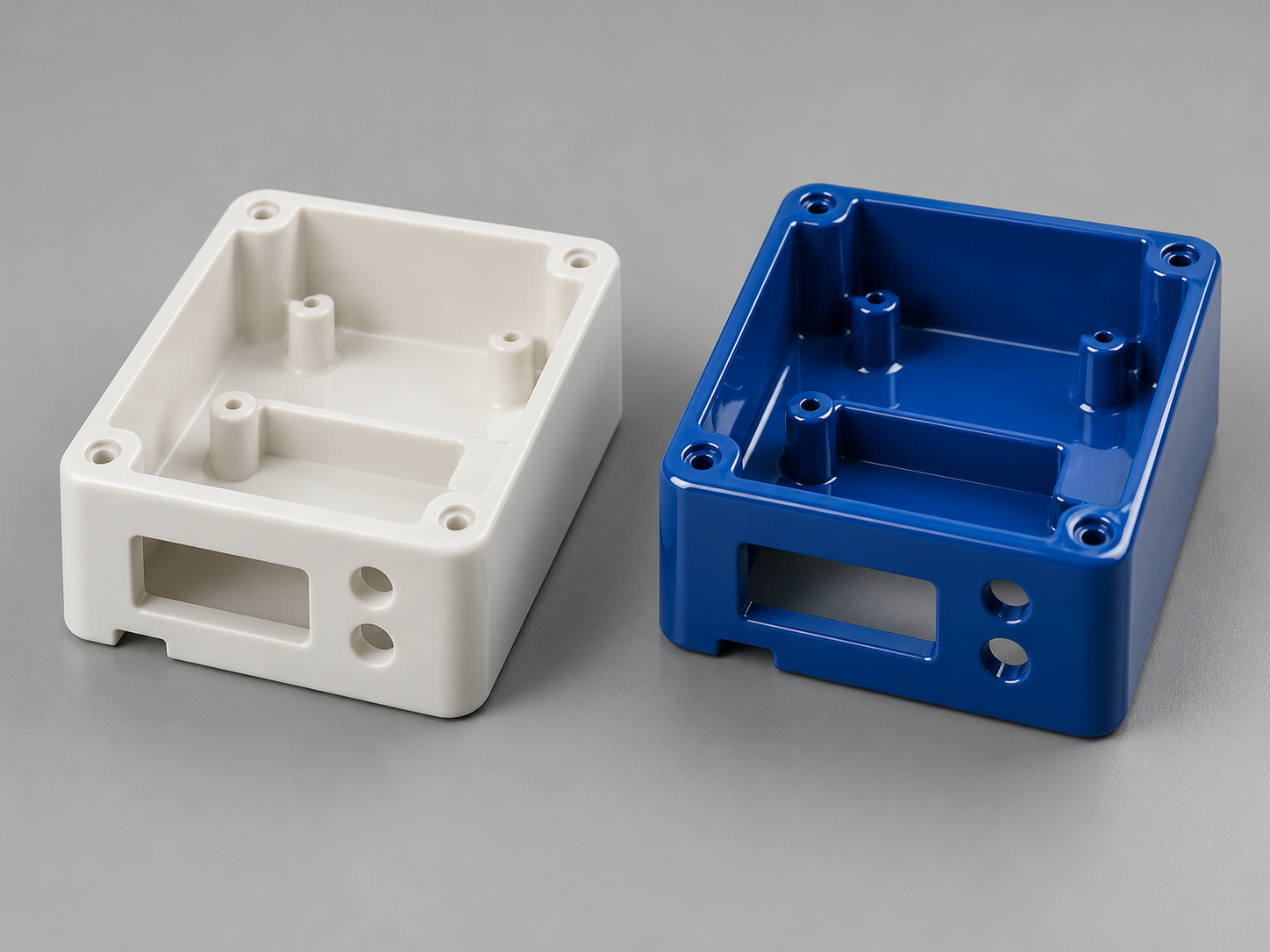
Ordinary SLA supports are generally cut or otherwise mechanically removed; do not assume they dissolve away without contact marks. Additional sanding, polishing, coating, or painting should follow the finish agreed in the order. A part that has only left the printer is not equivalent to a cleaned, appropriately cured, finished component.
You do not need to prescribe every machine or curing setting. Ask the supplier to use the validated workflow for the selected material and confirm the condition in which your parts will be delivered. If material-test data supports your selection, the delivered condition should be consistent with the conditions relevant to those data.
Inspection should address the agreed finished state. A dimension checked before painting may not establish the fit after coating. Likewise, a photograph taken before support cleanup cannot demonstrate the final cosmetic result.
For first samples or higher-risk orders, request the agreed dimensional results and clear photographs before dispatch. Photographs can help verify quantity, color, obvious damage, and visible finish, but they do not substitute for measurements or an assembly test.
If the original material becomes unavailable or a finishing change is proposed, review its effect before approving a substitution. A change should be documented in the order rather than discovered when the package arrives.
The order is complete when the parts arrive in usable condition and meet the approved requirements. Production completion, dispatch, and arrival are separate events, and each can affect your project schedule.
Ask when production begins, whether the estimate uses business or calendar days, and what time is allowed for finishing and inspection. Then add packing, transit, and any destination-specific clearance requirements. Sample approval and design revisions can also move the completion date.
Avoid treating a general “fast turnaround” statement as a promised arrival date. If you need parts for a test on a fixed day, communicate that date before ordering and request a schedule that includes delivery and time for your own incoming checks. AIHFabs' upload page directs customers to the quoted order dates and notes that timing varies with material, process, and destination.
Tell the supplier about thin projections, fragile details, polished faces, or surfaces that must not rub against other parts. Ask for separate protection where needed and for labels that identify the part number and revision. For assemblies, clarify whether components should arrive individually packed or grouped into sets.
Confirm the delivery address, recipient, and contact details before dispatch. Retain the tracking information and any agreed inspection documents with the order record.
Check the delivery promptly, before modifying or putting the parts into service. Use the same requirements established during approval.
Incoming check | What to verify |
Identification and quantity | Correct parts, revision, material identification, and complete sets |
Transit condition | Damaged packaging, broken features, cracks, or abrasion |
Critical dimensions | Drawing requirements using an appropriate measurement method |
Assembly | Fit with the intended mating components using the agreed test |
Surface finish | Correct color and treatment on the specified visible and mating faces |
Documentation | Any agreed dimensional records, material information, or other deliverables |
If something is wrong, photograph the packaging and affected part, identify the part number and revision, and describe the requirement that was not met. For a dimensional issue, include the measured value, measurement location, and method. Contact the supplier before sanding, drilling, painting, or otherwise changing the disputed feature so the original condition can be assessed.
For repeat orders, retain the approved files, resin grade, finish reference, inspection criteria, and any accepted sample. Reference these records when reordering, and confirm whether any material or process changes are proposed.
A photograph can explain appearance or intended use, but manufacturing normally requires a printable 3D model. If you only have photographs, sketches, or a physical sample, ask whether CAD modeling or reverse engineering is available and quoted separately. Approve the resulting geometry before ordering parts.
A model and clear notes may be enough for a simple visual model. Add a drawing when acceptance depends on specific dimensions, tolerances, interfaces, or other features that the supplier cannot infer from geometry alone. Keep the drawing revision consistent with the model.
Ask which parts of the quote drive the cost. Remove unnecessary cosmetic finishing from hidden surfaces, separate display samples from fit-check parts, and discuss whether a different material or approved geometry change would still meet the purpose. Compare the full delivered cost before accepting a cheaper configuration.
No. It reflects the files and settings submitted to the quoting system. An automatic check cannot evaluate an unstated requirement or validate your complete application. Raise critical fit, material, finish, and inspection requirements before releasing production.
Contact the supplier immediately and ask whether production has started. A revision may require a new quote, additional payment, or a later delivery date. Do not assume that uploading a replacement file automatically cancels the previous manufacturing instruction.
Ready to order SLA parts? Review the AIHFabs SLA printing service, then upload your 3D files with the quantity, intended use, finish requirements, and delivery destination.
If material choice, critical features, or the required finish is still uncertain, contact our team with your model and supporting notes before placing the order. Include the date you need the finished parts so the discussion covers both manufacturing and delivery.
[1] Protolabs Network. How to design parts for SLA 3D printing. Background on geometry, supports, and hollow-part drainage; its numerical guidelines are not universal acceptance limits.
[2] AIHFabs. Upload 3D Files to Compare Prices. Source for the accepted formats and upload interface described here. Confirm current options and order-specific dates when requesting a quote.
[3] Formlabs. Guide to Stereolithography SLA 3D Printing. Background on SLA printing and its workflow.
[4] Formlabs. SLA basic finishing steps. Background on washing, drying, post-curing, and support removal. Follow the instructions for the actual resin and equipment used.

A process that fits this note. Open the spec, or put the file on a quote.
Stereolithography (SLA) cures liquid photopolymer with a precision UV laser, building parts layer by layer.
Create a quote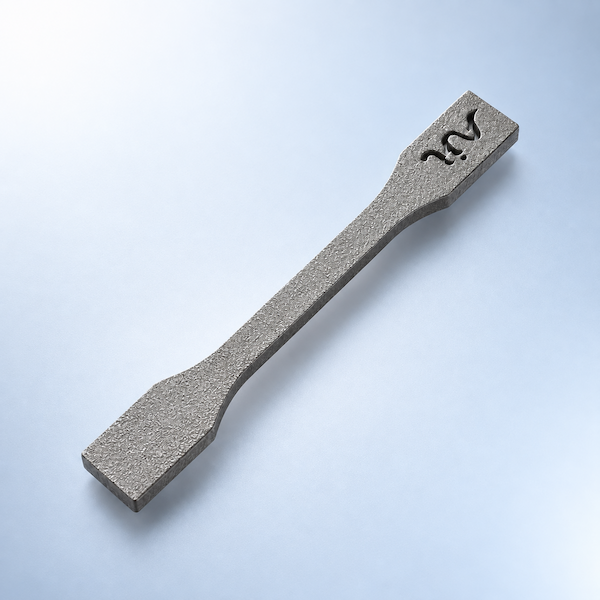
Multi Jet Fusion (MJF) applies fusing and detailing agents across a powder bed, then uses infrared energy to fuse each layer.
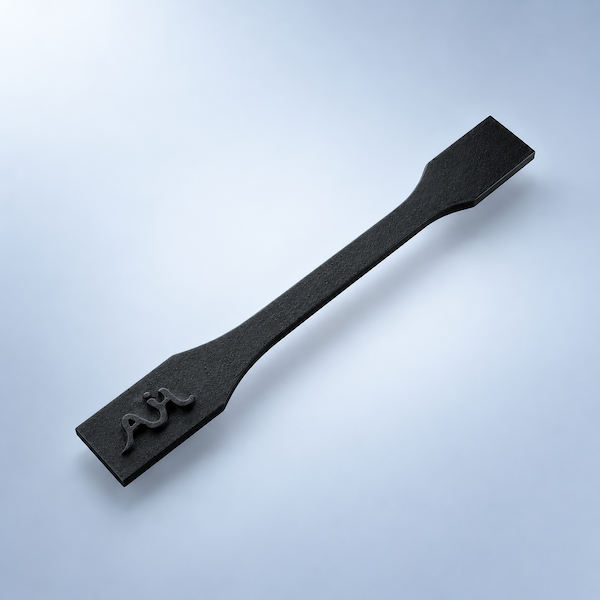
Create a quoteMaterials that sit next to this article. Check the card, then upload CAD.
Process, finish, and file notes from the shop — not a marketing blog.
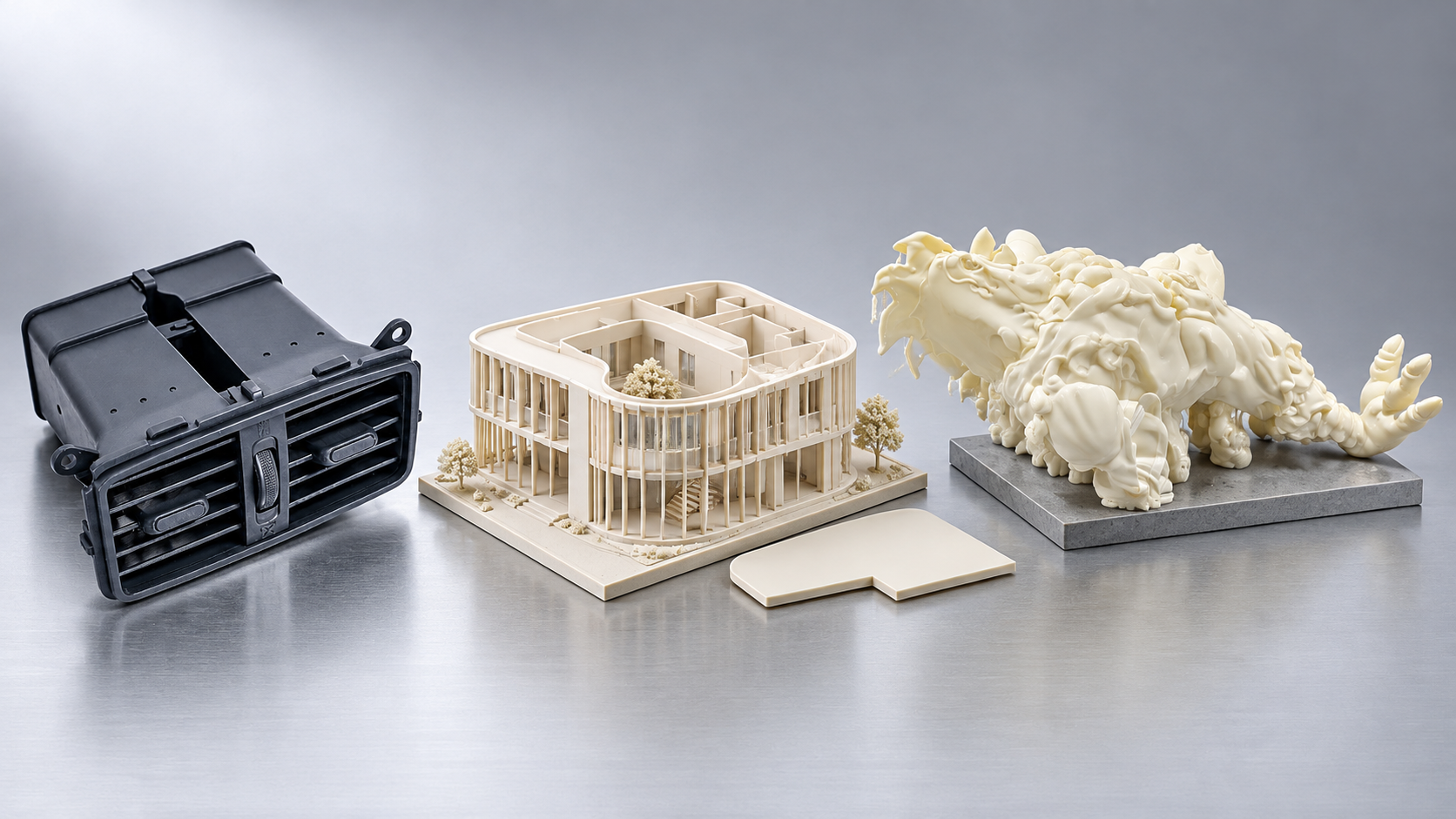
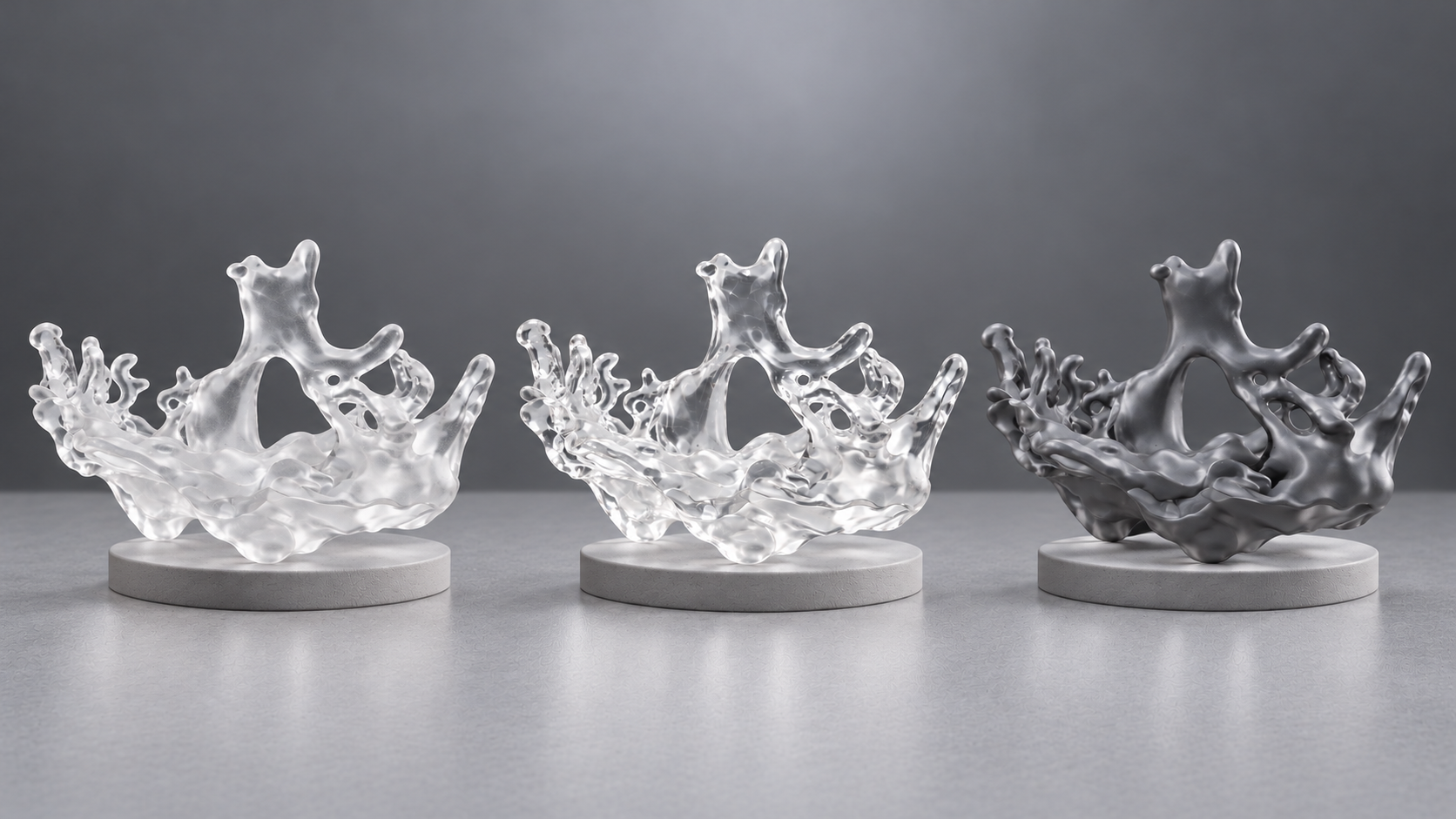
Company, payment, shipping, and process answers by topic.
Production lead times, shipping options, and order tracking.

Review AIH commitments to print quality, secure handling of your files, transparent pricing, and support for every 3D printing order.
AIHFABS quotes custom 3D printing and CNC machining from a CAD upload. Compare SLA, SLS, MJF, SLM, FDM, DLP, milling, and turning, then add finishing such as vapor smoothing, dyeing, anodizing, polishing, or powder coating in the same order.
Instant quoting is built for prototypes, jigs, housings, and small-batch production. You see material, process, quantity, and lead time together, which keeps engineering changes from turning into a new round of supplier emails.
You can review material, process, quantity, and lead time together, so engineering changes do not turn into another round of supplier emails.
Upload STL, STEP, and other common CAD formats for an online quote.
Compare 3D printing technologies and CNC options on the same part.
Select polymers or metals, then add 3D Plus hardware finishing when needed.
Review price and lead time before checkout, or request a manual quote for special specs.
If this page describes a process, industry, or sample part you want to reproduce, start from the upload flow and match technology plus finishing to your drawing.
We use cookies to personalize your experience. By using this site, you agree to our Privacy Policy
Accept

Leave A Comment