
CNC Machining
CNC Machining Services
CNC machining removes material from solid stock with computer-controlled mills, lathes, and multi-axis centers.
Create a quote
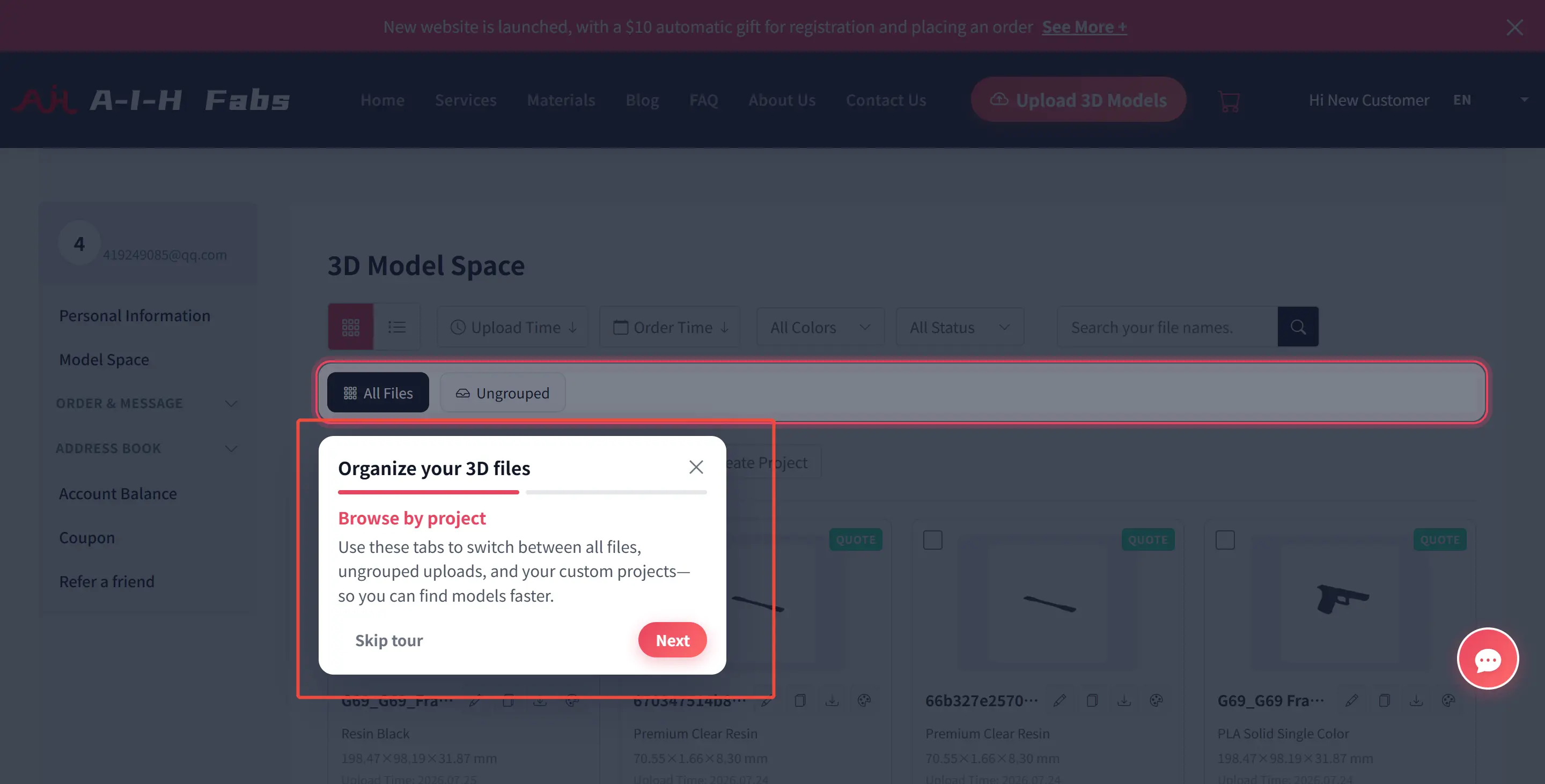
A-I-H Fabs, a leader in AI-driven manufacturing solutions, today announced the launch of its highly anticipated 3D Model Space. This new feature, integrated directly into the user dashboard, transforms how engineers and product designers manage their digital assets. Moving beyond simple file storage, the 3D Model Space introduces a robust Project-Based Management System, allowing users to organize, track, and execute complex manufacturing workflows with unprecedented efficiency.
The Challenge: Taming the File Chaos
For engineers and product managers handling multiple prototypes, iteration cycles, and client orders, managing dozens of STL or STEP files can quickly become chaotic. Traditional file lists often lack context, making it difficult to distinguish between a final production part and an early-stage concept. "We realized that our users didn't just need a place to upload files; they needed a workspace," said a spokesperson for A-I-H Fabs. "Engineers think in projects, not just individual files. Our new system mirrors that workflow."
Key Features of the New 3D Model Space
The updated interface offers a streamlined, intuitive environment designed specifically for professional workflows:
1. Project-Centric Organization
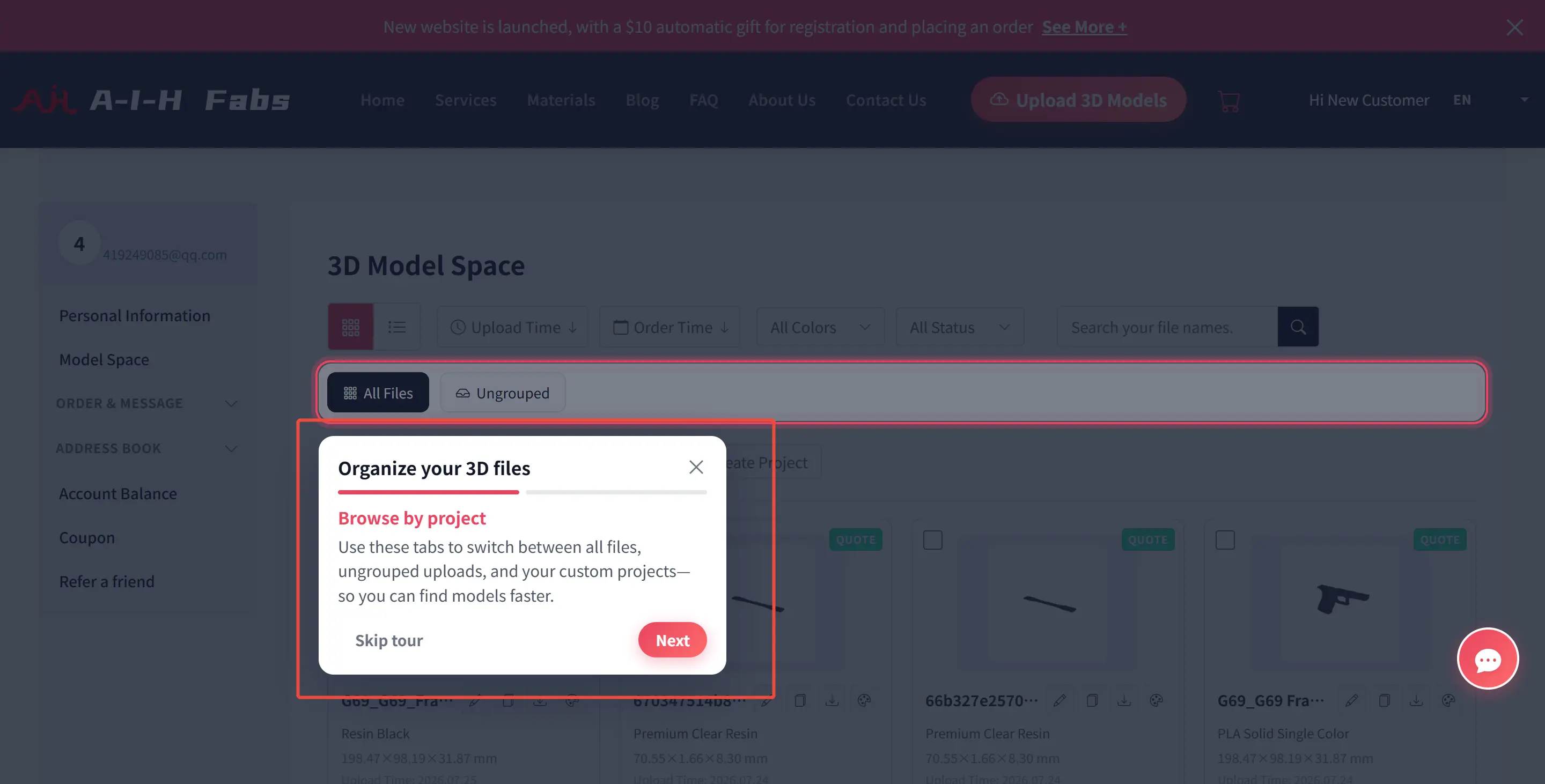
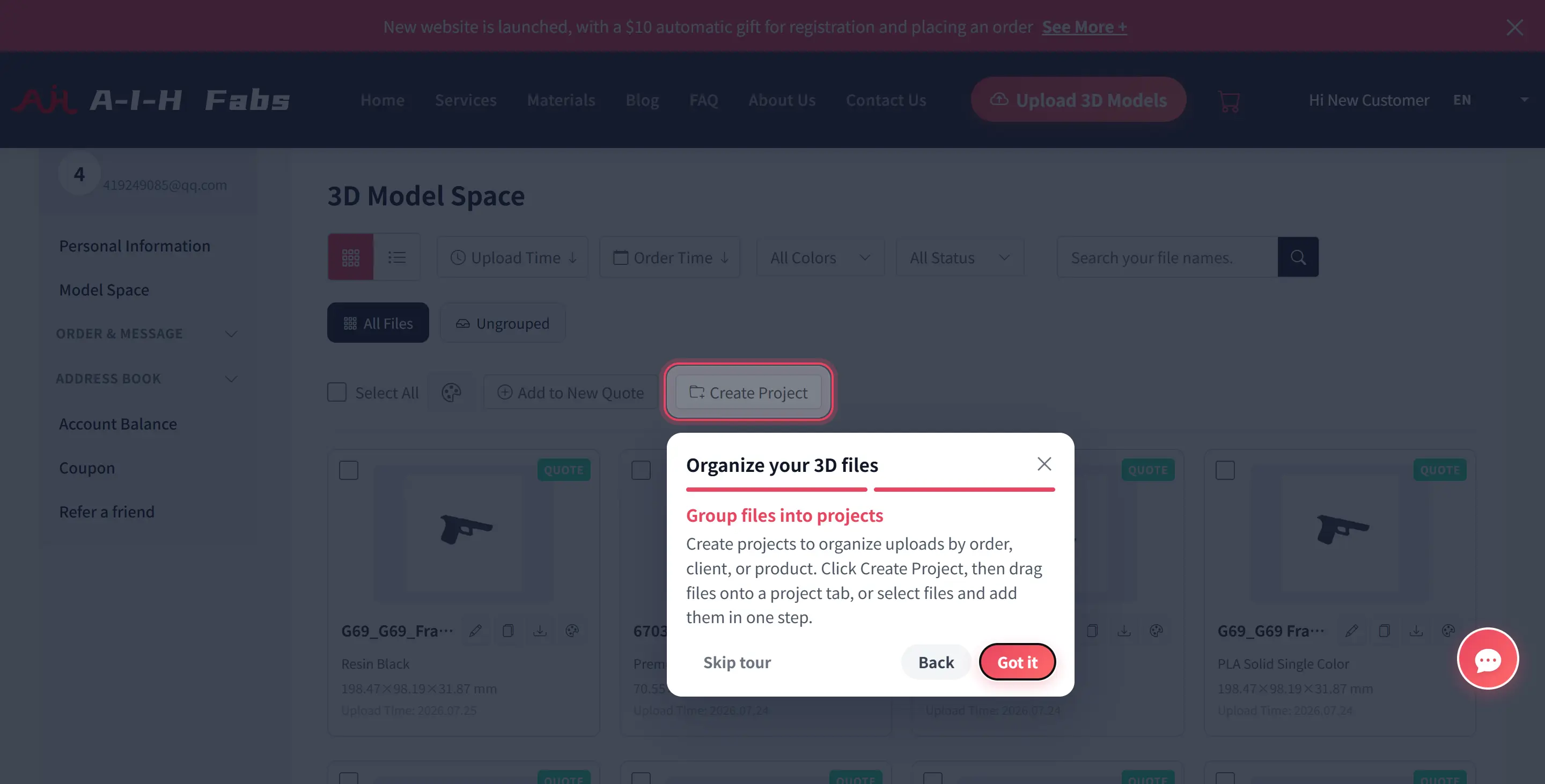
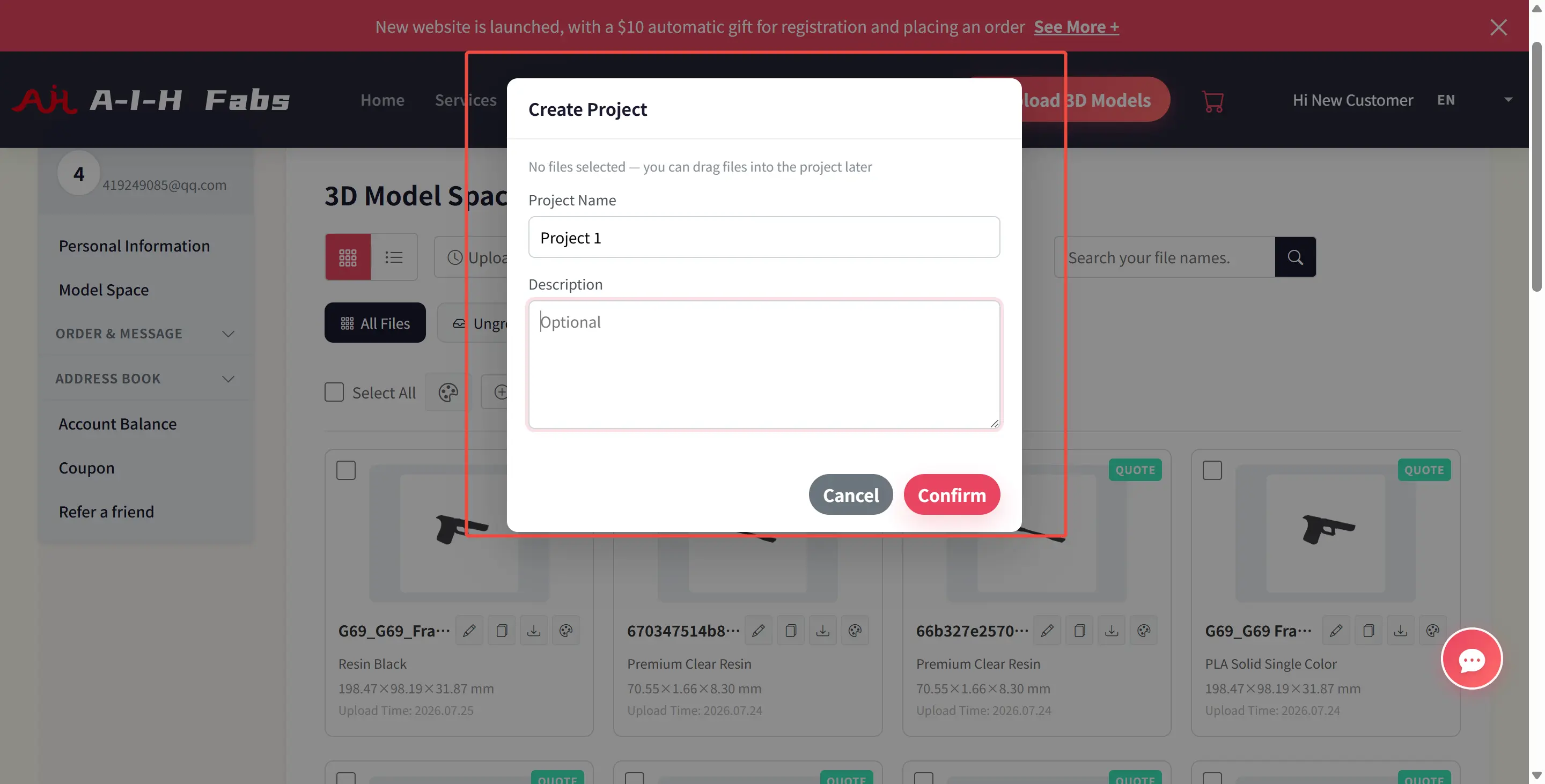
Users can now create custom Projects (e.g., "Drone Prototype V2," "Client X - Medical Housing"). Instead of a flat list of uploads, files are grouped logically. This allows engineers to keep all iterations, related components, and assembly parts for a specific product in one dedicated digital folder.
2. Smart Filtering and Tabbed Navigation
The interface features dynamic tabs—All Files, Ungrouped, and specific Project Tabs. This ensures that users can instantly switch contexts. Whether you need to find a loose file uploaded yesterday or review the entire history of "Project Alpha," the navigation is instantaneous.
3. Seamless Drag-and-Drop Workflow
The system is designed for speed. Users can drag files directly from their desktop into a specific project bucket during the creation phase or drag existing files from the "Ungrouped" pool into active projects. This reduces the friction of organizing assets after the fact.
4. Enhanced Metadata and Status Tracking
Each project card displays critical information at a glance, including material types (e.g., Resin Black, Premium Clear Resin), dimensions, and upload timestamps. The system also integrates quoting statuses directly into the file view, allowing users to see which parts of a project are ready for manufacturing and which are still in the design phase.
Why It Matters for Engineers
The introduction of Project Management within the 3D Model Space bridges the gap between digital design and physical manufacturing. By structuring data effectively, A-I-H Fabs helps teams reduce errors by ensuring the correct version of a file is sent to production, save time by eliminating the need to search through hundreds of unorganized filenames, and improve collaboration by providing a clear structure that can be easily understood by team members or clients reviewing the progress.
About A-I-H Fabs
A-I-H Fabs is revolutionizing the manufacturing industry by combining advanced 3D printing technologies with artificial intelligence. Dedicated to serving the aerospace, medical, and industrial sectors, A-I-H Fabs provides precision rapid prototyping and custom manufacturing solutions that turn complex engineering concepts into reality.

A process that fits this note. Open the spec, or put the file on a quote.
CNC machining removes material from solid stock with computer-controlled mills, lathes, and multi-axis centers.
Create a quote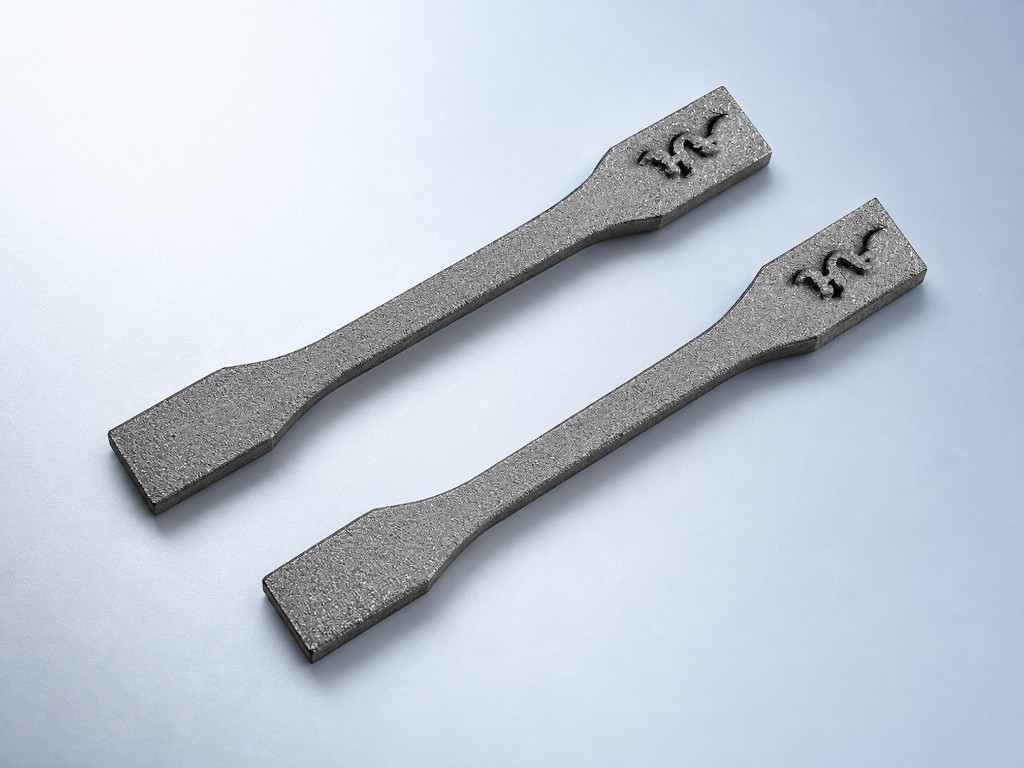
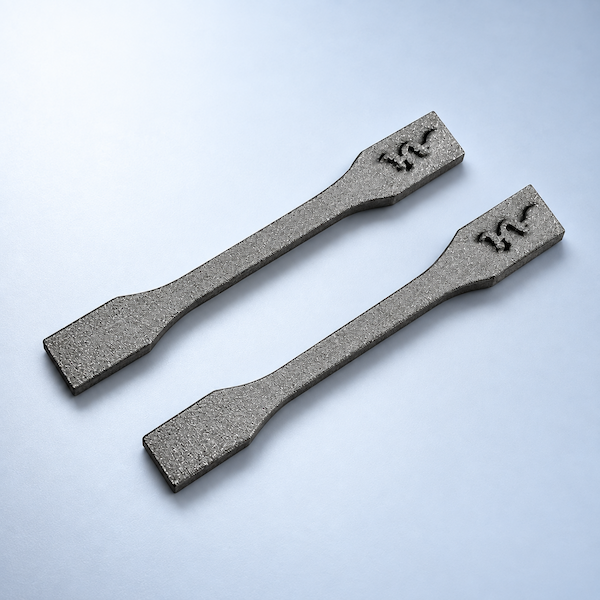
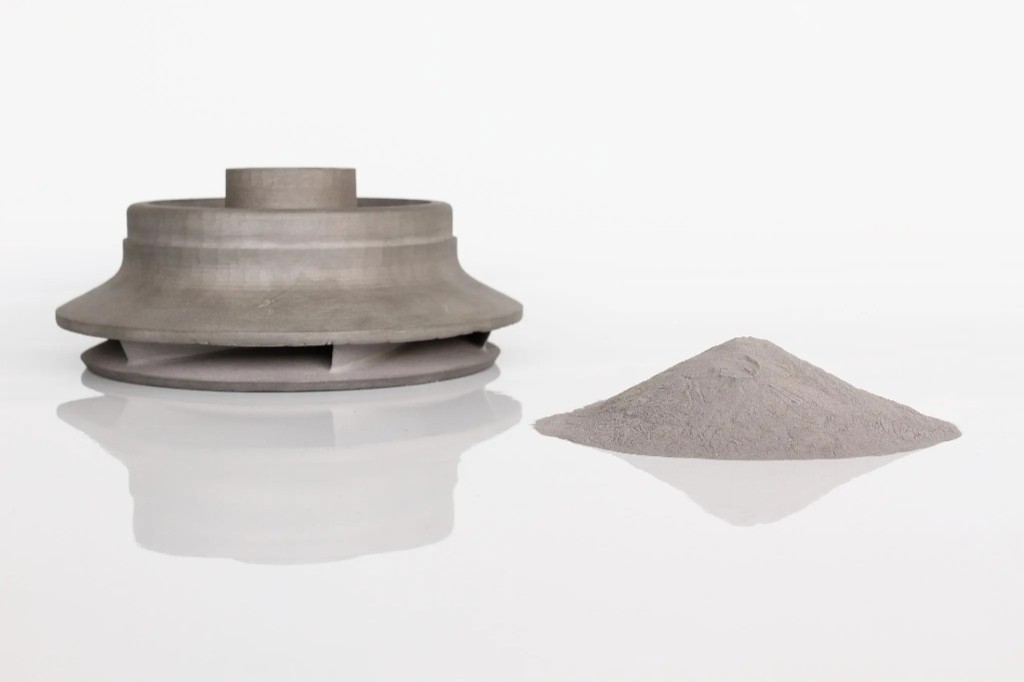
Selective Laser Melting (SLM) is a powder-bed metal additive process. A high-power laser scans each cross-section of your CAD model, melting metal powder that solidifies into a dense part.
Create a quoteMaterials that sit next to this article. Check the card, then upload CAD.
Process, finish, and file notes from the shop — not a marketing blog.
Company, payment, shipping, and process answers by topic.

Review AIH commitments to print quality, secure handling of your files, transparent pricing, and support for every 3D printing order.
Recommended answers about AIHFABS, technologies, materials, pricing, privacy, and file preparation.
AIHFABS quotes custom 3D printing and CNC machining from a CAD upload. Compare SLA, SLS, MJF, SLM, FDM, DLP, milling, and turning, then add finishing such as vapor smoothing, dyeing, anodizing, polishing, or powder coating in the same order.
Instant quoting is built for prototypes, jigs, housings, and small-batch production. You see material, process, quantity, and lead time together, which keeps engineering changes from turning into a new round of supplier emails.
If this page describes a process, industry, or sample part you want to reproduce, start from the upload flow and match technology plus finishing to your drawing.
We use cookies to personalize your experience. By using this site, you agree to our Privacy Policy
Accept
COMMENTS